



项目概述
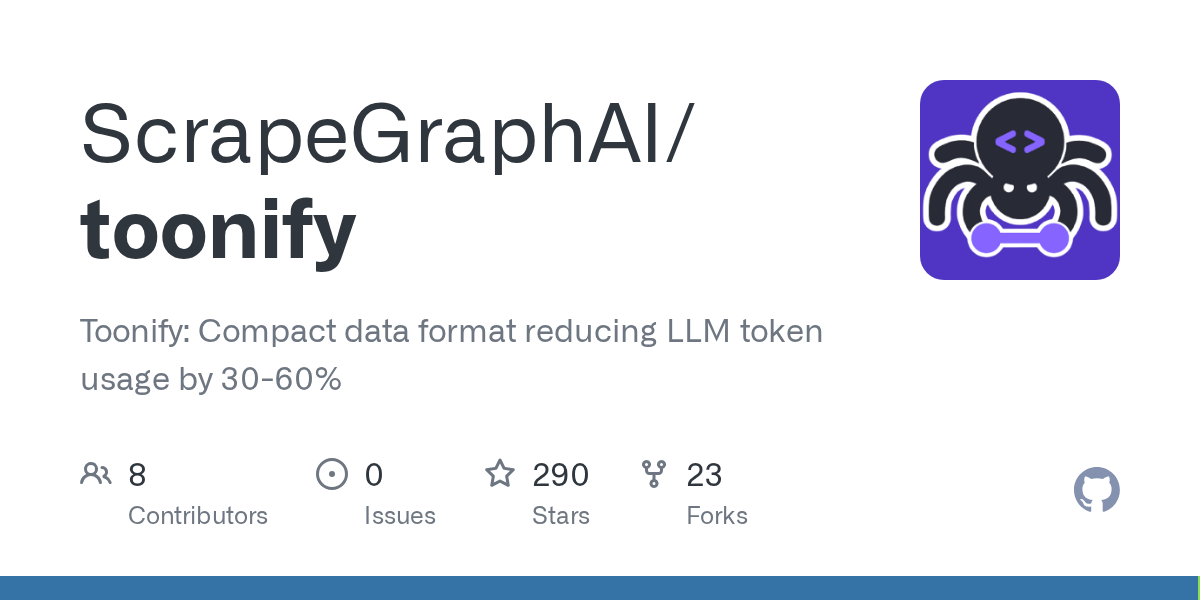
Toonify 是一种紧凑的数据格式,能够有效减少大语言模型(LLM)在处理时的令牌使用量,降低幅度可达30-60%。该项目旨在提升数据处理效率,优化资源利用。
项目地址
https://github.com/ScrapeGraphAI/toonify
项目页面预览
关键指标
- Stars:290
- 主要语言:Python
- License:未声明
- 最近更新:2025-12-26T08:53:30Z
- 默认分支:main
本站高速下载(国内可用)
点击下载(本站镜像)
– SHA256:16d6c3164079c247eb934e29b740fff4fd41562a7fe3de2dea29fbeaa2c33bf0
安装部署要点(README 精选)
Installation
pip install toonify
For development:
pip install toonify[dev]
With Pydantic support:
pip install toonify[pydantic]
CLI Usage
usage: toon [-h] [-o OUTPUT] [-e] [-d] [--delimiter {comma,tab,pipe}]
            [--indent INDENT] [--stats] [--no-strict]
            [--key-folding {off,safe}] [--flatten-depth DEPTH]
            [--expand-paths {off,safe}]
            [input]

TOON (Token-Oriented Object Notation) - Convert between JSON and TOON formats

positional arguments:
  input                 Input file path (or "-" for stdin)

optional arguments:
  -h, --help            show this help message and exit
  -o, --output OUTPUT   Output file path (default: stdout)
  -e, --encode          Force encode mode (JSON to TOON)
  -d, --decode          Force decode mode (TOON to JSON)
  --delimiter {comma,tab,pipe}
                        Array delimiter (default: comma)
  --indent INDENT       Indentation size (default: 2)
  --stats               Show token statistics
  --no-strict           Disable strict validation (decode only)
  --key-folding {off,safe}
                        Key folding mode (encode only)
  --flatten-depth DEPTH Maximum key folding depth (encode only)
  --expand-paths {off,safe}
                        Path expansion mode (decode only)
Setup
git clone https://github.com/ScrapeGraphAI/toonify.git
cd toonify
pip install -e .[dev]
Running Tests
pytest
pytest --cov=toon --cov-report=term-missing
常用命令(从 README 提取)
pip install toonify

pip install toonify[dev]

pip install toonify[pydantic]
通用部署说明
- 下载源码并阅读 README
- 安装依赖(pip/npm/yarn 等)
- 配置环境变量(API Key、模型路径、数据库等)
- 启动服务并测试访问
- 上线建议:Nginx 反代 + HTTPS + 进程守护(systemd / pm2)
免责声明与版权说明
本文仅做开源项目整理与教程索引,源码版权归原作者所有,请遵循对应 License 合规使用。
© 版权声明
文章版权归作者所有,未经允许请勿转载。
THE END




暂无评论内容