



项目概述
AutoGPT旨在让每个人都能轻松使用和构建人工智能,提供必要的工具,使用户能够专注于重要的事务。
项目地址
https://github.com/Significant-Gravitas/AutoGPT
项目页面预览
关键指标
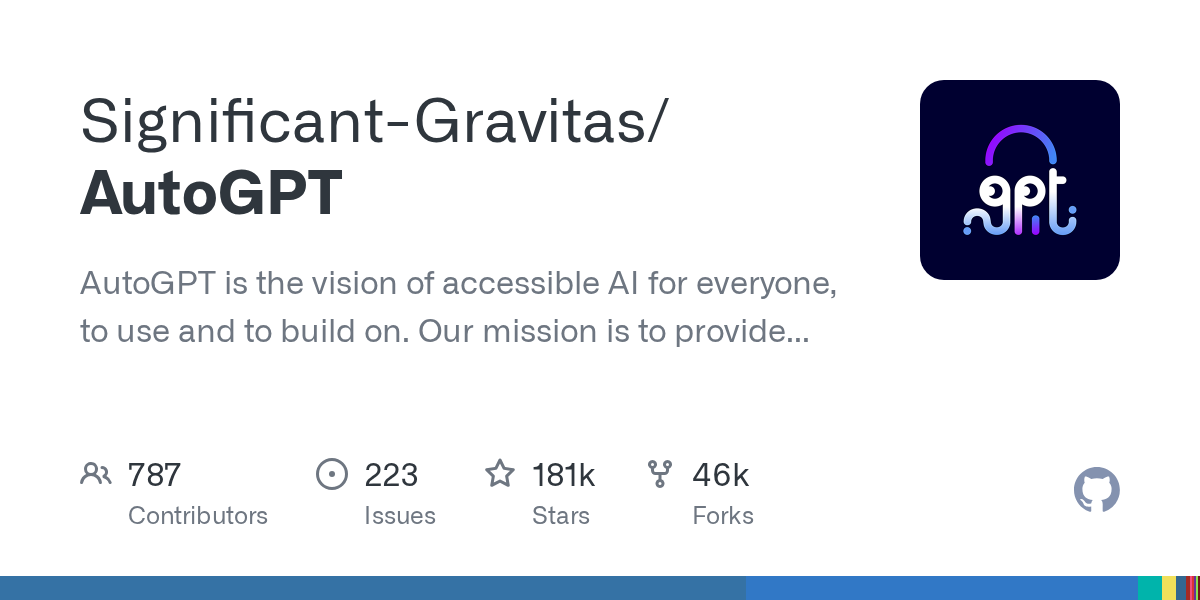
- Stars:181112
- 主要语言:Python
- License:Other
- 最近更新:2026-01-15T10:00:42Z
- 默认分支:master
本站高速下载(国内可用)
点击下载(本站镜像)
– SHA256:270cddf7ba25f5fdaa74f8540abb46273c51385fac918bf2e50a82f5696e4b83
安装部署要点(README 精选)
Updated Setup Instructions:
We’ve moved to a fully maintained and regularly updated documentation site.
👉 Follow the official self-hosting guide here
This tutorial assumes you have Docker, VSCode, git and npm installed.
⚡ Quick Setup with One-Line Script (Recommended for Local Hosting)
Skip the manual steps and get started in minutes using our automatic setup script.
For macOS/Linux:
curl -fsSL https://setup.agpt.co/install.sh -o install.sh && bash install.sh
For Windows (PowerShell):
powershell -c "iwr https://setup.agpt.co/install.bat -o install.bat; ./install.bat"
This will install dependencies, configure Docker, and launch your local instance — all in one go.
常用命令(从 README 提取)
curl -fsSL https://setup.agpt.co/install.sh -o install.sh && bash install.sh

powershell -c "iwr https://setup.agpt.co/install.bat -o install.bat; ./install.bat"

$ ./run
Usage: cli.py [OPTIONS] COMMAND [ARGS]...

Options:
  --help  Show this message and exit.

Commands:
  agent      Commands to create, start and stop agents
  benchmark  Commands to start the benchmark and list tests and categories
  setup      Installs dependencies needed for your system.
通用部署说明
- 下载源码并阅读 README
- 安装依赖(pip/npm/yarn 等)
- 配置环境变量(API Key、模型路径、数据库等)
- 启动服务并测试访问
- 上线建议:Nginx 反代 + HTTPS + 进程守护(systemd / pm2)
免责声明与版权说明
本文仅做开源项目整理与教程索引,源码版权归原作者所有,请遵循对应 License 合规使用。
© 版权声明
文章版权归作者所有,未经允许请勿转载。
THE END




暂无评论内容