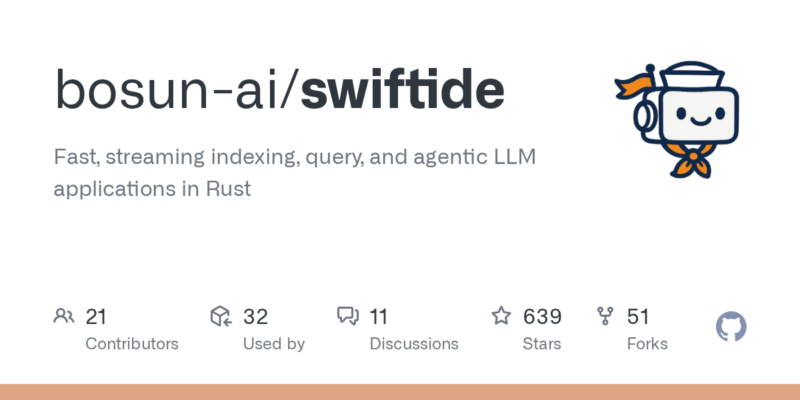


项目概述
Fast, streaming indexing, query, and agentic LLM applications in Rust
项目地址
https://github.com/bosun-ai/swiftide
项目页面预览
关键指标
- Stars:639
- 主要语言:Rust
- License:MIT License
- 最近更新:2026-01-12T07:39:43Z
- 默认分支:master
本站高速下载(国内可用)
- 源码压缩包下载:点击下载(本站镜像)
- SHA256:58b042d8343aa5e299f86d18e36acdff39141ad613ca9b457ff9d8e1c18194a6
安装部署要点(README 精选)
Getting Started
Installation
- Set up a new Rust project
- Add swiftide
sh

   cargo add swiftide
- Enable the features of integrations you would like to use in your
Cargo.toml - Write a pipeline (see our examples and documentation)
Usage and concepts
Before building your streams, you need to enable and configure any integrations required. See /examples.
We have a lot of examples, please refer to /examples and the Documentation
[!NOTE]
No integrations are enabled by default as some are code heavy. We recommend you to cherry-pick the integrations you need. By convention flags have the same name as the integration they represent.
常用命令(从 README 提取)
cargo add swiftide
通用部署说明(适用于大多数项目)
- 下载源码并阅读 README
- 安装依赖(pip/npm/yarn 等)
- 配置环境变量(API Key、模型路径、数据库等)
- 启动服务并测试访问
- 上线建议:Nginx 反代 + HTTPS + 进程守护(systemd / pm2)
免责声明与版权说明
本文仅做开源项目整理与教程索引,源码版权归原作者所有,请遵循对应 License 合规使用。
© 版权声明
文章版权归作者所有,未经允许请勿转载。
THE END




暂无评论内容