

项目概述
Build AI Agents, Visually
项目地址
https://github.com/FlowiseAI/Flowise
项目页面预览
关键指标
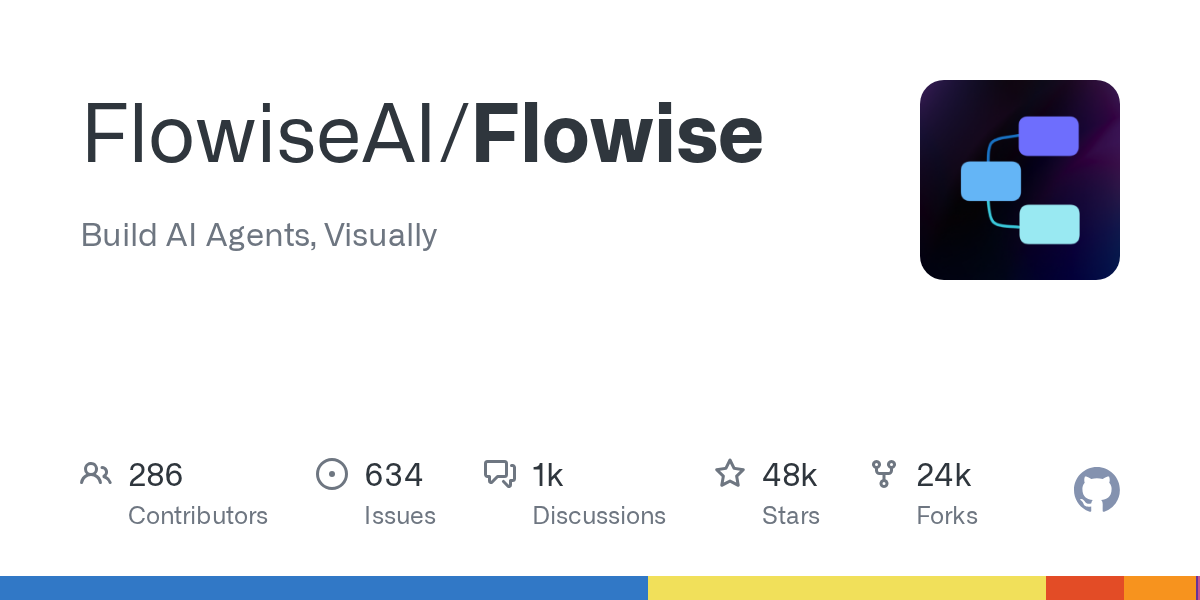
- Stars:48170
- 主要语言:TypeScript
- License:Other
- 最近更新:2026-01-13T10:23:13Z
- 默认分支:main
本站高速下载(国内可用)
- 源码压缩包下载:点击下载(本站镜像)
- SHA256:64612e890536dc2bbacd16bfe3d500837ddd716f6f642317257e67f13c4e45b7
安装部署要点(README 精选)
🐳 Docker
Docker Compose
- Clone the Flowise project
- Go to
dockerfolder at the root of the project - Copy
.env.examplefile, paste it into the same location, and rename to.envfile docker compose up -d- Open http://localhost:3000
- You can bring the containers down by
docker compose stop
Docker Image
-
Build the image locally:
bash

docker build --no-cache -t flowise . -
Run image:
bash

docker run -d --name flowise -p 3000:3000 flowise -
Stop image:
bash

docker stop flowise
Setup
-
Clone the repository:
bash

git clone https://github.com/FlowiseAI/Flowise.git -
Go into repository folder:
bash

cd Flowise -
Install all dependencies of all modules:
bash

pnpm install -
Build all the code:
bash

pnpm build
Exit code 134 (JavaScript heap out of memory)
If you get this error when running the above
buildscript, try increasing the Node.js heap size and run the script again:“`bash
macOS / Linux / Git Bash
export NODE_OPTIONS=”–max-old-space-size=4096″
Windows PowerShell
$env:NODE_OPTIONS=”–max-old-space-size=4096″
Windows CMD
set NODE_OPTIONS=–max-old-space-size=4096
“`Then run:
bash

pnpm build -
Start the app:
bash

pnpm start
You can now access the app on http://localhost:3000
-
For development build:
- Create
.envfile and specify theVITE_PORT(refer to.env.example) inpackages/ui - Create
.envfile and specify thePORT(refer to.env.example) inpackages/server -
Run:
bash

pnpm dev
Any code changes will reload the app automatically on http://localhost:8080
- Create
常用命令(从 README 提取)
npm install -g flowise

npx flowise start

docker build --no-cache -t flowise .
通用部署说明(适用于大多数项目)
- 下载源码并阅读 README
- 安装依赖(pip/npm/yarn 等)
- 配置环境变量(API Key、模型路径、数据库等)
- 启动服务并测试访问
- 上线建议:Nginx 反代 + HTTPS + 进程守护(systemd / pm2)
免责声明与版权说明
本文仅做开源项目整理与教程索引,源码版权归原作者所有,请遵循对应 License 合规使用。


暂无评论内容