



项目概述
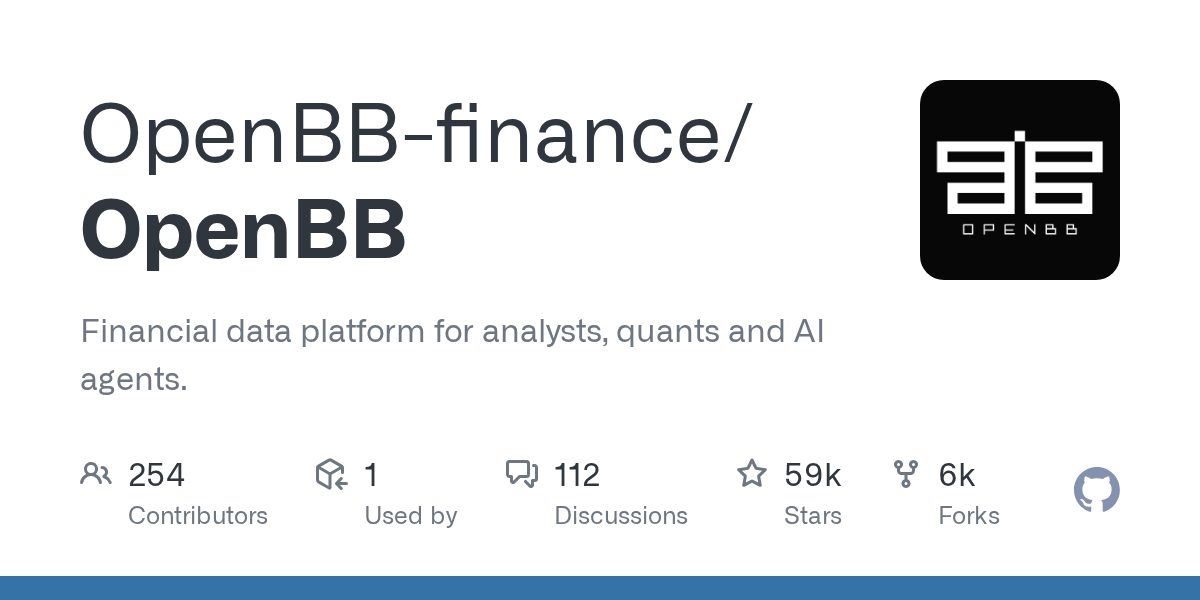
OpenBB 是一个为分析师、量化研究员和人工智能代理提供的金融数据平台,旨在支持各种金融领域的研究与分析,包括股票、衍生品和固定收益等。
项目地址
https://github.com/OpenBB-finance/OpenBB
项目页面预览
关键指标
- Stars:58661
- 主要语言:Python
- License:Other
- 最近更新:2026-01-15T06:08:41Z
- 默认分支:develop
本站高速下载(国内可用)
点击下载(本站镜像)
– SHA256:2cf90eec86add87d9f1b79bf3daef86cb41bcd60fcc441c55eeceae8f010b935
安装部署要点(README 精选)
Run an ODP backend
- Install the packages.
pip install "openbb[all]"
- Start the API server over localhost.
openbb-api
This will launch a FastAPI server, via Uvicorn, at 127.0.0.1:6900.
You can check that it works by going to http://127.0.0.1:6900.
1. Installation
The ODP Python Package can be installed from PyPI package by running pip install openbb
or by cloning the repository directly with git clone https://github.com/OpenBB-finance/OpenBB.git.
Please find more about the installation process, in the OpenBB Documentation.
ODP CLI installation
The ODP CLI is a command-line interface that allows you to access the ODP directly from your command line.
It can be installed by running pip install openbb-cli
or by cloning the repository directly with git clone https://github.com/OpenBB-finance/OpenBB.git.
Please find more about the installation process in the OpenBB Documentation.
常用命令(从 README 提取)
pip install "openbb[all]"

openbb-api
通用部署说明
- 下载源码并阅读 README
- 安装依赖(pip/npm/yarn 等)
- 配置环境变量(API Key、模型路径、数据库等)
- 启动服务并测试访问
- 上线建议:Nginx 反代 + HTTPS + 进程守护(systemd / pm2)
免责声明与版权说明
本文仅做开源项目整理与教程索引,源码版权归原作者所有,请遵循对应 License 合规使用。







暂无评论内容