



项目概述
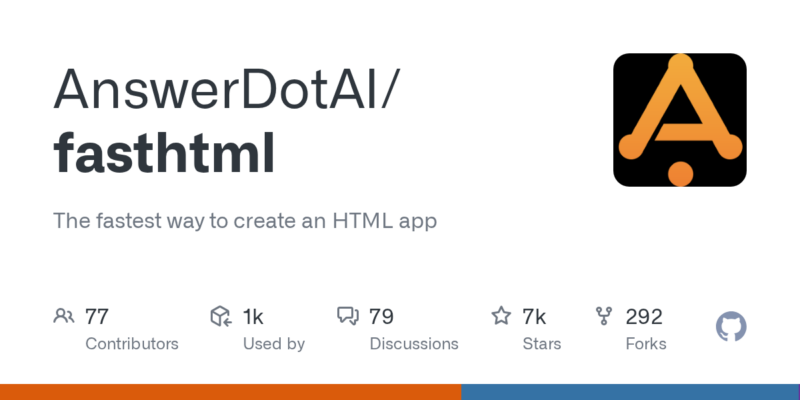
AnswerDotAI/fasthtml 是一个高效的工具,旨在帮助开发者快速创建 HTML 应用程序,显著提升开发效率。
项目地址
https://github.com/AnswerDotAI/fasthtml
项目页面预览
关键指标
- Stars:6799
- 主要语言:Jupyter Notebook
- License:Apache License 2.0
- 最近更新:2026-01-09T23:54:19Z
- 默认分支:main
本站高速下载(国内可用)
点击下载(本站镜像)
– SHA256:014c708f5ff391cbf2cda5f706e9ba1561b0c7c3e62dd47b7e3337ebe49295c1
安装部署要点(README 精选)
Installation
Since fasthtml is a Python library, you can install it with:
pip install python-fasthtml
In the near future, we hope to add component libraries that can likewise
be installed via pip.
Usage
For a minimal app, create a file “main.py” as follows:
**main.py**
from fasthtml.common import *

app,rt = fast_app()

@rt('/')
def get(): return Div(P('Hello World!'), hx_get="/change")

serve()
Running the app with python main.py prints out a link to your running
app: http://localhost:5001. Visit that link in your browser and you
should see a page with the text “Hello World!”. Congratulations, you’ve
just created your first FastHTML app!
Adding interactivity is surprisingly easy, thanks to HTMX. Modify the
file to add this function:
**main.py**
@rt('/change')
def get(): return P('Nice to be here!')
You now have a page with a clickable element that changes the text when
clicked. When clicking on this link, the server will respond with an
“HTML partial”—that is, just a snippet of HTML which will be inserted
into the existing page. In this case, the returned element will replace
the original P element (since that’s the default behavior of HTMX) with
the new version returned by the second route.
This “hypermedia-based” approach to web development is a powerful way to
build web applications.
常用命令(从 README 提取)
(未提取到命令块)
通用部署说明
- 下载源码并阅读 README
- 安装依赖(pip/npm/yarn 等)
- 配置环境变量(API Key、模型路径、数据库等)
- 启动服务并测试访问
- 上线建议:Nginx 反代 + HTTPS + 进程守护(systemd / pm2)
免责声明与版权说明
本文仅做开源项目整理与教程索引,源码版权归原作者所有,请遵循对应 License 合规使用。






暂无评论内容