



项目概述
Flask-Admin 是一个简单且可扩展的管理界面框架,旨在为 Flask 应用提供便捷的后台管理功能,帮助开发者快速构建和定制管理界面。
项目地址
https://github.com/pallets-eco/flask-admin
项目页面预览
关键指标
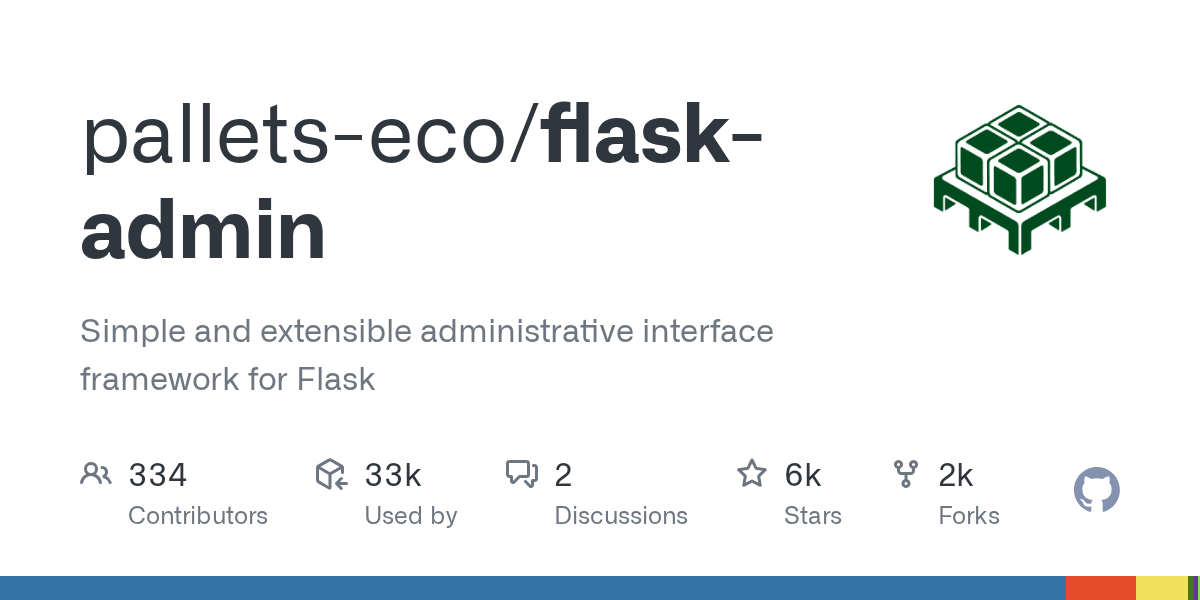
- Stars:6049
- 主要语言:Python
- License:BSD 3-Clause “New” or “Revised” License
- 最近更新:2026-01-12T19:36:57Z
- 默认分支:master
本站高速下载(国内可用)
点击下载(本站镜像)
– SHA256:5ff46f1687dea838b2330ad278d2f64b4f29ceb2631d9156a9280d30e6eeb7de
安装部署要点(README 精选)
How to run an example
Clone the repository and navigate to an example (for this example we are using SQLAlchemy Example):
git clone https://github.com/pallets-eco/flask-admin.git
cd flask-admin/examples/sqla
All examples use
uvto manage their dependencies and the developer environment.
Run the example using uv, which will manage the environment and dependencies automatically:
uv run main.py
Check the Flask app running on http://localhost:5000.
Installation
To install Flask-Admin using pip, simply:
pip install flask-admin
Running tests inside the devcontainer (eg when using VS Code)
If you are developing with the devcontainer configuration, then you can run tests directly using either of the following commands.
To just run the test suite with the default python installation, use:
uv run pytest
To run the test suite against all supported python versions, and also run other checks performed by CI, use:
uv run tox
Running tests as a one-off via docker-compose run / make test
If you don’t use devcontainers then you can run the tests using docker (you will need to install and setup docker yourself). Then you can use:
make test-in-docker
This will use the devcontainer docker-compose configuration to start up postgres, azurite and mongo.
You can also run the full test suite including CI checks with:
make tox-in-docker
常用命令(从 README 提取)
git clone https://github.com/pallets-eco/flask-admin.git
cd flask-admin/examples/sqla

uv run main.py

tox -e docs
通用部署说明
- 下载源码并阅读 README
- 安装依赖(pip/npm/yarn 等)
- 配置环境变量(API Key、模型路径、数据库等)
- 启动服务并测试访问
- 上线建议:Nginx 反代 + HTTPS + 进程守护(systemd / pm2)
免责声明与版权说明
本文仅做开源项目整理与教程索引,源码版权归原作者所有,请遵循对应 License 合规使用。







暂无评论内容