



项目概述
Pyston 是一个高性能且高度兼容的 Python 编程语言实现,旨在提升 Python 的执行速度,适合需要优化性能的开发者使用。
项目地址
https://github.com/pyston/pyston
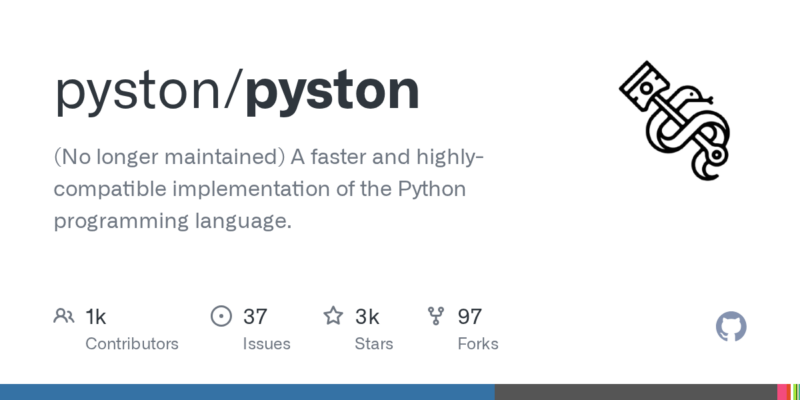
项目页面预览
关键指标
- Stars:2511
- 主要语言:Python
- License:Other
- 最近更新:2024-08-12T16:30:59Z
- 默认分支:pyston_main
本站高速下载(国内可用)
点击下载(本站镜像)
– SHA256:8ba6189ed04dbda21c6f446e783cf407111ab777082f67b9763a4395c2170fe1
安装部署要点(README 精选)
Docker images
We have some experimental docker images on DockerHub with Pyston-full pre-installed, you can quickly try out Pyston by doing
docker run -it pyston/pyston
You could also attempt to use this as your base image, and python will be provided by Pyston.
The default image contains quite a few libraries for compiling extension modules, and if you’d like a smaller image we also have a pyston/slim version that you can use.
These have not been heavily tested, so if you run into any issues please report them to our tracker.
Checking for Pyston at runtime
To check for pyston-full, one can run hasattr(sys, "pyston_version_info").
To check whether pyston-lite has been loaded, one can run "pyston_lite" in sys.modules.
Installing packages
Pyston-full is API compatible but not ABI compatible with CPython. This means that C extensions will work, but they need to be recompiled.
Typically with Python one will download and install pre-compiled packages, but with Pyston there are currently not pre-compiled packages available (we’re working on that) so the compilation step will run when you install them. This means that you may run into problems installing packages on Pyston when they work on CPython: the same issues you would have trying to recompile these packages for CPython.
Many packages have build-time dependencies that you will need to install to get them to work. For example to pip install cryptography you need a Rust compiler, such as by doing sudo apt-get install rustc.
Pyston-lite sidesteps these issues and is compatible with existing binary packages.
常用命令(从 README 提取)
docker run -it pyston/pyston

git submodule update --init pyston/llvm pyston/bolt pyston/LuaJIT pyston/macrobenchmarks

sudo apt-get install build-essential git cmake clang libssl-dev libsqlite3-dev luajit python3.8 zlib1g-dev virtualenv libjpeg-dev linux-tools-common linux-tools-generic linux-tools-`uname -r`
通用部署说明
- 下载源码并阅读 README
- 安装依赖(pip/npm/yarn 等)
- 配置环境变量(API Key、模型路径、数据库等)
- 启动服务并测试访问
- 上线建议:Nginx 反代 + HTTPS + 进程守护(systemd / pm2)
免责声明与版权说明
本文仅做开源项目整理与教程索引,源码版权归原作者所有,请遵循对应 License 合规使用。







暂无评论内容