



项目概述
nicegui 是一个基于 Python 的工具包,旨在轻松创建网页用户界面,提供友好的交互体验,适用于各种应用场景。
项目地址
https://github.com/zauberzeug/nicegui
项目页面预览
关键指标
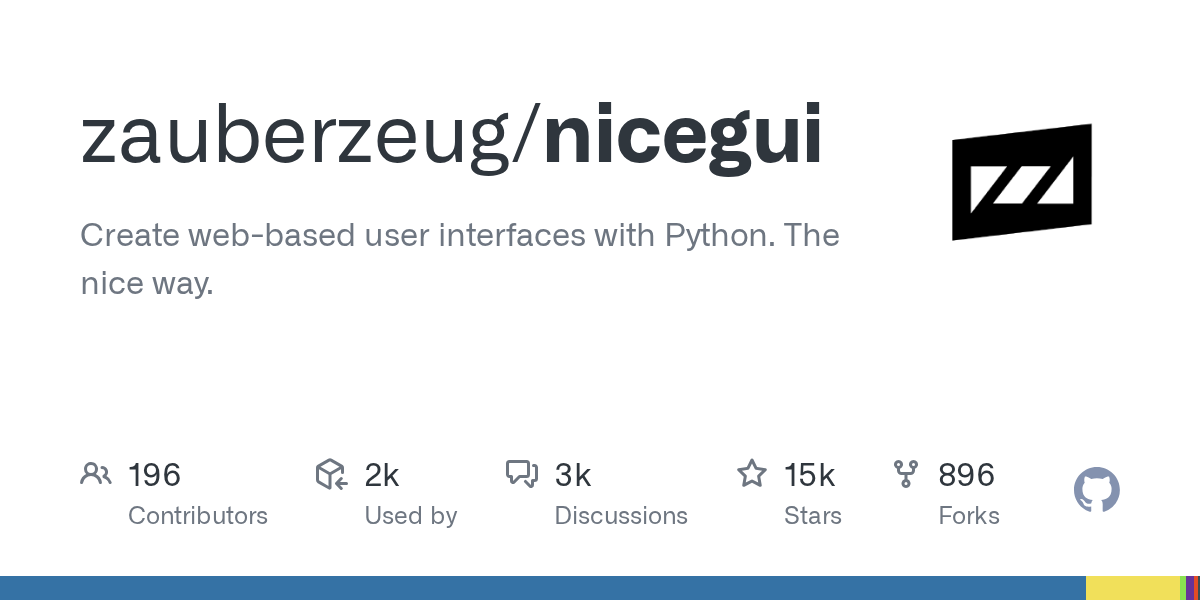
- Stars:15108
- 主要语言:Python
- License:MIT License
- 最近更新:2026-01-15T15:28:14Z
- 默认分支:main
本站高速下载(国内可用)
点击下载(本站镜像)
– SHA256:2bd8cdb628622758c705a9fb1395356c547b48ecf34a6e4a997682bbc941cdfa
安装部署要点(README 精选)
Installation
python3 -m pip install nicegui
Usage
Write your nice GUI in a file main.py:
from nicegui import ui

ui.label('Hello NiceGUI!')
ui.button('BUTTON', on_click=lambda: ui.notify('button was pressed'))

ui.run()
Launch it with:
python3 main.py
The GUI is now available through http://localhost:8080/ in your browser.
Note: NiceGUI will automatically reload the page when you modify the code.
常用命令(从 README 提取)
python3 -m pip install nicegui

python3 main.py
通用部署说明
- 下载源码并阅读 README
- 安装依赖(pip/npm/yarn 等)
- 配置环境变量(API Key、模型路径、数据库等)
- 启动服务并测试访问
- 上线建议:Nginx 反代 + HTTPS + 进程守护(systemd / pm2)
免责声明与版权说明
本文仅做开源项目整理与教程索引,源码版权归原作者所有,请遵循对应 License 合规使用。
© 版权声明
文章版权归作者所有,未经允许请勿转载。
THE END







暂无评论内容