



项目概述
这是一个开源代码库,支持HuggingChat项目,旨在提供一个基于聊天的用户界面,结合了ChatGPT和现代前端技术,方便开发者进行定制和扩展。
项目地址
https://github.com/huggingface/chat-ui
项目页面预览
关键指标
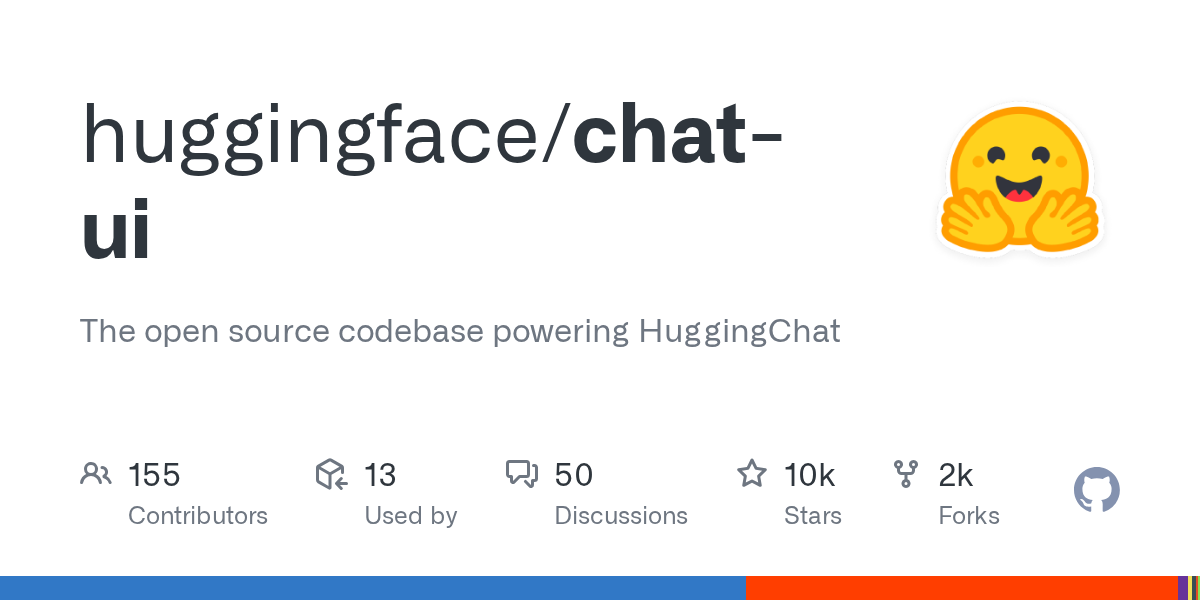
- Stars:10420
- 主要语言:TypeScript
- License:Apache License 2.0
- 最近更新:2026-01-15T11:28:30Z
- 默认分支:main
本站高速下载(国内可用)
点击下载(本站镜像)
– SHA256:07e9a89e8aefcd26aa1c924ff8718868d5d430edd8920328678177d94dd154dc
安装部署要点(README 精选)
Quickstart
Chat UI speaks to OpenAI-compatible APIs only. The fastest way to get running is with the Hugging Face Inference Providers router plus your personal Hugging Face access token.
Step 1 – Create .env.local:
OPENAI_BASE_URL=https://router.huggingface.co/v1
OPENAI_API_KEY=hf_************************
OPENAI_API_KEY can come from any OpenAI-compatible endpoint you plan to call. Pick the combo that matches your setup and drop the values into .env.local:
| Provider | Example OPENAI_BASE_URL |
Example key env |
|---|---|---|
| Hugging Face Inference Providers router | https://router.huggingface.co/v1 |
OPENAI_API_KEY=hf_xxx (or HF_TOKEN legacy alias) |
llama.cpp server (llama.cpp --server --api) |
http://127.0.0.1:8080/v1 |
OPENAI_API_KEY=sk-local-demo (any string works; llama.cpp ignores it) |
| Ollama (with OpenAI-compatible bridge) | http://127.0.0.1:11434/v1 |
OPENAI_API_KEY=ollama |
| OpenRouter | https://openrouter.ai/api/v1 |
OPENAI_API_KEY=sk-or-v1-... |
| Poe | https://api.poe.com/v1 |
OPENAI_API_KEY=pk_... |
Check the root .env template for the full list of optional variables you can override.
Step 2 – Install and launch the dev server:
git clone https://github.com/huggingface/chat-ui
cd chat-ui
npm install
npm run dev -- --open
You now have Chat UI running locally. Open the browser and start chatting.
Optional Docker Image
The chat-ui-db image bundles MongoDB inside the container:
docker run \
  -p 3000:3000 \
  -e OPENAI_BASE_URL=https://router.huggingface.co/v1 \
  -e OPENAI_API_KEY=hf_*** \
  -v chat-ui-data:/data \
  ghcr.io/huggingface/chat-ui-db:latest
All environment variables accepted in .env.local can be provided as -e flags.
常用命令(从 README 提取)
git clone https://github.com/huggingface/chat-ui
cd chat-ui
npm install
npm run dev -- --open

docker run -d -p 27017:27017 --name mongo-chatui mongo:latest

npm install
npm run dev
通用部署说明
- 下载源码并阅读 README
- 安装依赖(pip/npm/yarn 等)
- 配置环境变量(API Key、模型路径、数据库等)
- 启动服务并测试访问
- 上线建议:Nginx 反代 + HTTPS + 进程守护(systemd / pm2)
免责声明与版权说明
本文仅做开源项目整理与教程索引,源码版权归原作者所有,请遵循对应 License 合规使用。



暂无评论内容