



项目概述
GPT4All 是一个开源项目,旨在让用户在任何设备上运行本地的大型语言模型(LLM),并支持商业使用,方便用户进行人工智能聊天和推理。
项目地址
https://github.com/nomic-ai/gpt4all
项目页面预览
关键指标
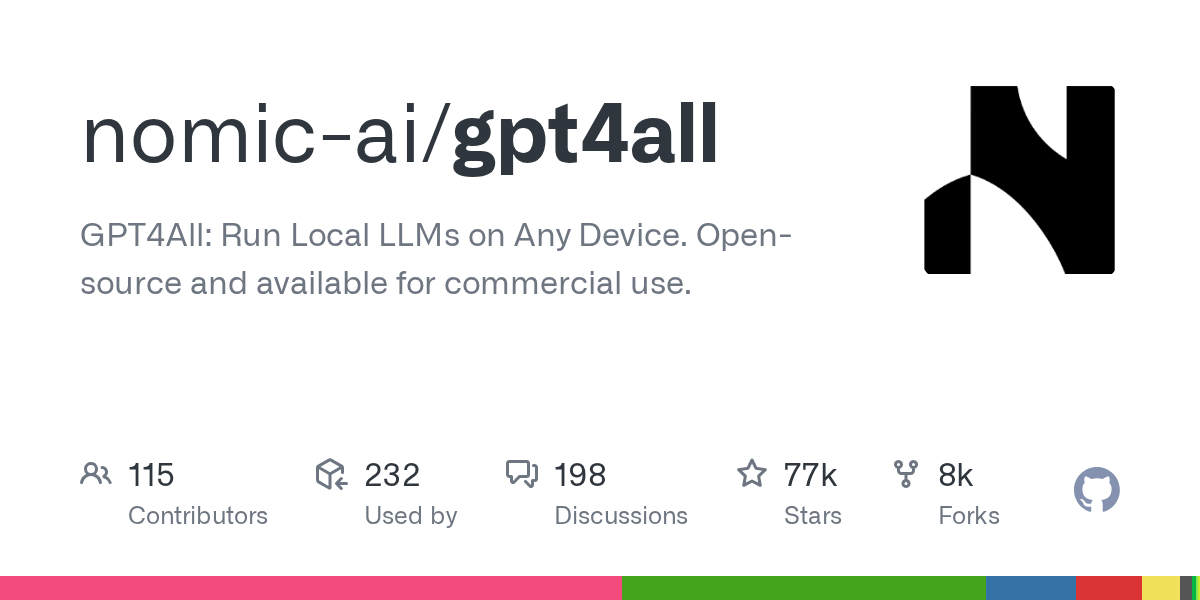
- Stars:77029
- 主要语言:C++
- License:MIT License
- 最近更新:2025-05-27T20:05:19Z
- 默认分支:main
本站高速下载(国内可用)
- 源码压缩包下载:点击下载(本站镜像)
- SHA256:63d3a2b11fa7e7455b2d1936bc636d811557706ff50f4bd84c1f160a53abf57b
安装部署要点(README 精选)
Install GPT4All Python
gpt4all gives you access to LLMs with our Python client around llama.cpp implementations.
Nomic contributes to open source software like llama.cpp to make LLMs accessible and efficient for all.
pip install gpt4all
from gpt4all import GPT4All
model = GPT4All("Meta-Llama-3-8B-Instruct.Q4_0.gguf") # downloads / loads a 4.66GB LLM
with model.chat_session():
    print(model.generate("How can I run LLMs efficiently on my laptop?", max_tokens=1024))
常用命令(从 README 提取)
pip install gpt4all

@misc{gpt4all,
  author = {Yuvanesh Anand and Zach Nussbaum and Brandon Duderstadt and Benjamin Schmidt and Andriy Mulyar},
  title = {GPT4All: Training an Assistant-style Chatbot with Large Scale Data Distillation from GPT-3.5-Turbo},
  year = {2023},
  publisher = {GitHub},
  journal = {GitHub repository},
  howpublished = {\url{https://github.com/nomic-ai/gpt4all}},
}
通用部署说明(适用于大多数项目)
- 下载源码并阅读 README
- 安装依赖(pip/npm/yarn 等)
- 配置环境变量(API Key、模型路径、数据库等)
- 启动服务并测试访问
- 上线建议:Nginx 反代 + HTTPS + 进程守护(systemd / pm2)
免责声明与版权说明
本文仅做开源项目整理与教程索引,源码版权归原作者所有,请遵循对应 License 合规使用。
© 版权声明
文章版权归作者所有,未经允许请勿转载。
THE END


暂无评论内容