



项目概述
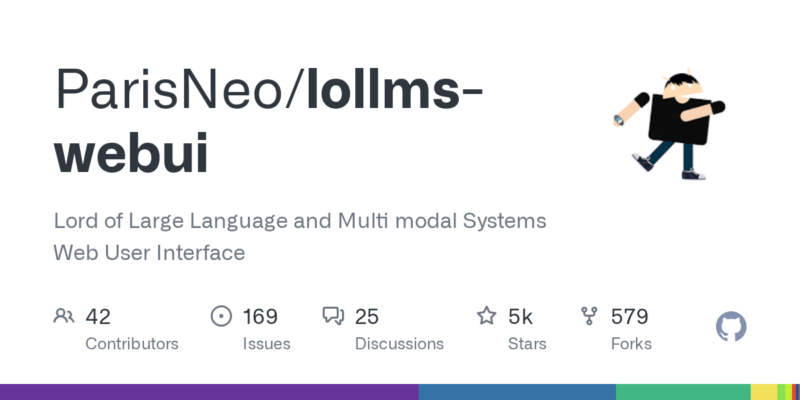
ParisNeo/lollms-webui 是一个大型语言模型和多模态系统的网页用户界面,旨在为用户提供便捷的文本生成和交互体验。
项目地址
https://github.com/ParisNeo/lollms-webui
项目页面预览
关键指标
- Stars:4768
- 主要语言:CSS
- License:Apache License 2.0
- 最近更新:2025-11-18T16:39:23Z
- 默认分支:main
本站高速下载(国内可用)
- 源码压缩包下载:点击下载(本站镜像)
- SHA256:4244841b48f52fbea2eb457ef0662c8de4d1163aff952296881a16a8749f091f
安装部署要点(README 精选)
Installation
Automatic installation (Console)
Download the installation script from scripts folder and run it.
The installation scripts are:
– lollms_installer.bat for Windows.
– lollms_installer.shfor Linux.
– lollms_installer_macos.shfor Mac.
Manual install:
Since v 10.14, manual installation is back:
- First ensure Python 3.11 is installed
You can check your Python version with:
python --version
If you need to install Python 3.11, download it from:
https://www.python.org/downloads/release/python-3118/
- Clone the repository with submodules
git clone --recursive https://github.com/ParisNeo/lollms-webui.git
cd lollms-webui
git submodule update --init --recursive
- Create and activate a virtual environment (recommended)
python -m venv venv
常用命令(从 README 提取)
python --version

git clone --recursive https://github.com/ParisNeo/lollms-webui.git
cd lollms-webui
git submodule update --init --recursive

python -m venv venv
通用部署说明(适用于大多数项目)
- 下载源码并阅读 README
- 安装依赖(pip/npm/yarn 等)
- 配置环境变量(API Key、模型路径、数据库等)
- 启动服务并测试访问
- 上线建议:Nginx 反代 + HTTPS + 进程守护(systemd / pm2)
免责声明与版权说明
本文仅做开源项目整理与教程索引,源码版权归原作者所有,请遵循对应 License 合规使用。
© 版权声明
文章版权归作者所有,未经允许请勿转载。
THE END


暂无评论内容