



项目概述
pathway是一个基于Python的ETL框架,专注于流处理和实时数据分析,适用于构建大规模数据管道和机器学习应用,支持多种数据源和处理方式。
项目地址
https://github.com/pathwaycom/pathway
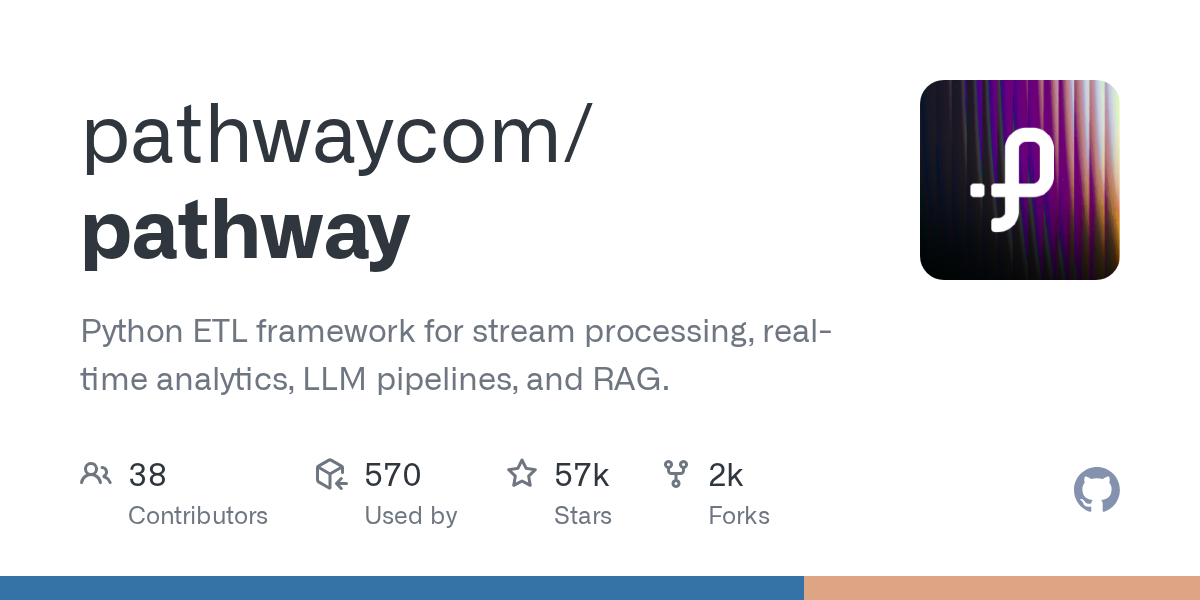
项目页面预览
关键指标
- Stars:57059
- 主要语言:Python
- License:Other
- 最近更新:2026-01-15T13:14:40Z
- 默认分支:main
本站高速下载(国内可用)
点击下载(本站镜像)
– SHA256:f591f44c017e979f77fcbe65a06b352030e18499c55525bed4944188317b7be4
安装部署要点(README 精选)
Getting started
Installation
Pathway requires Python 3.10 or above.
You can install the current release of Pathway using pip:
$ pip install -U pathway
⚠️ Pathway is available on MacOS and Linux. Users of other systems should run Pathway on a Virtual Machine.
Deployment
Locally
To use Pathway, you only need to import it:
import pathway as pw
Now, you can easily create your processing pipeline, and let Pathway handle the updates. Once your pipeline is created, you can launch the computation on streaming data with a one-line command:
pw.run()
You can then run your Pathway project (say, main.py) just like a normal Python script: $ python main.py.
Pathway comes with a monitoring dashboard that allows you to keep track of the number of messages sent by each connector and the latency of the system. The dashboard also includes log messages.

Alternatively, you can use the pathway’ish version:
$ pathway spawn python main.py
Pathway natively supports multithreading.
To launch your application with 3 threads, you can do as follows:
$ pathway spawn --threads 3 python main.py
To jumpstart a Pathway project, you can use our cookiecutter template.
常用命令(从 README 提取)
pip install -U pathway

$ pip install -U pathway

$ pathway spawn python main.py
通用部署说明
- 下载源码并阅读 README
- 安装依赖(pip/npm/yarn 等)
- 配置环境变量(API Key、模型路径、数据库等)
- 启动服务并测试访问
- 上线建议:Nginx 反代 + HTTPS + 进程守护(systemd / pm2)
免责声明与版权说明
本文仅做开源项目整理与教程索引,源码版权归原作者所有,请遵循对应 License 合规使用。







暂无评论内容