



项目概述
OpenManus 是一个开放的平台,旨在打破传统界限,为用户提供自由创作和协作的空间。
项目地址
https://github.com/FoundationAgents/OpenManus
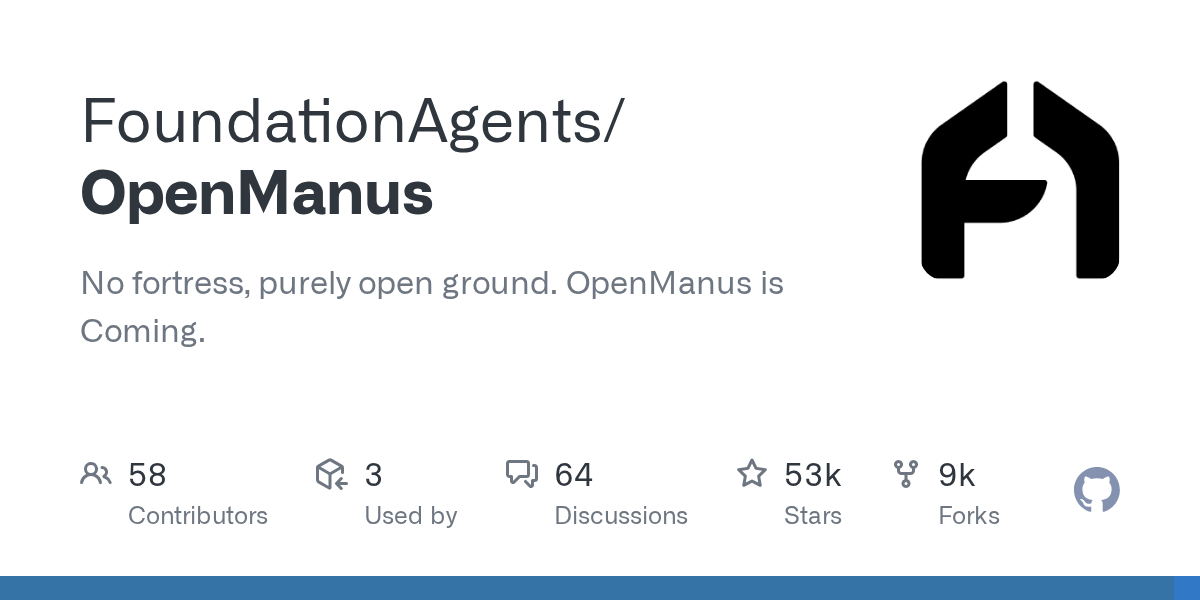
项目页面预览
关键指标
- Stars:52901
- 主要语言:Python
- License:MIT License
- 最近更新:2026-01-05T07:18:09Z
- 默认分支:main
本站高速下载(国内可用)
- 源码压缩包下载:点击下载(本站镜像)
- SHA256:61524a3c620af9ec0507cd0ae242c4158c40ca7b01e7b0bb7997d82ac76f2c55
安装部署要点(README 精选)
Installation
We provide two installation methods. Method 2 (using uv) is recommended for faster installation and better dependency management.
Configuration
OpenManus requires configuration for the LLM APIs it uses. Follow these steps to set up your configuration:
- Create a
config.tomlfile in theconfigdirectory (you can copy from the example):
cp config/config.example.toml config/config.toml
- Edit
config/config.tomlto add your API keys and customize settings:
# Global LLM configuration
[llm]
model = "gpt-4o"
base_url = "https://api.openai.com/v1"
api_key = "sk-..."  # Replace with your actual API key
max_tokens = 4096
temperature = 0.0

# Optional configuration for specific LLM models
[llm.vision]
model = "gpt-4o"
base_url = "https://api.openai.com/v1"
api_key = "sk-..."  # Replace with your actual API key
常用命令(从 README 提取)
conda create -n open_manus python=3.12
conda activate open_manus

git clone https://github.com/FoundationAgents/OpenManus.git
cd OpenManus

pip install -r requirements.txt
通用部署说明(适用于大多数项目)
- 下载源码并阅读 README
- 安装依赖(pip/npm/yarn 等)
- 配置环境变量(API Key、模型路径、数据库等)
- 启动服务并测试访问
- 上线建议:Nginx 反代 + HTTPS + 进程守护(systemd / pm2)
免责声明与版权说明
本文仅做开源项目整理与教程索引,源码版权归原作者所有,请遵循对应 License 合规使用。
© 版权声明
文章版权归作者所有,未经允许请勿转载。
THE END







暂无评论内容