



项目概述
Hugging Face的Diffusers是一个基于PyTorch的先进扩散模型,旨在实现图像、视频和音频的生成,支持多种生成任务,如文本转图像和图像转视频。
项目地址
https://github.com/huggingface/diffusers
项目页面预览
关键指标
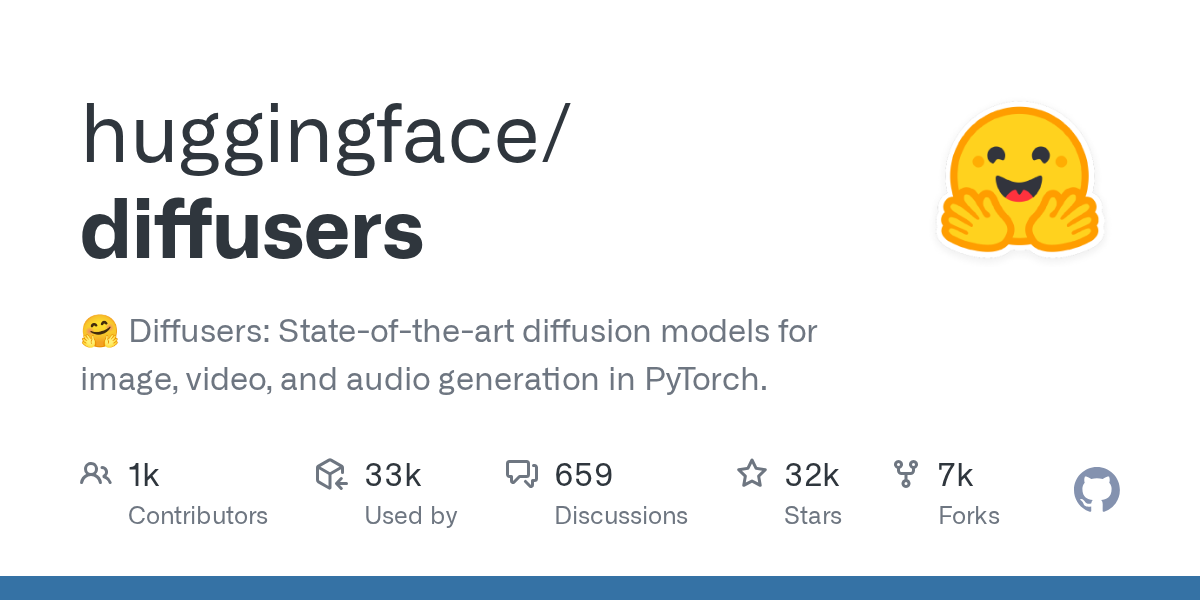
- Stars:32465
- 主要语言:Python
- License:Apache License 2.0
- 最近更新:2026-01-15T12:21:48Z
- 默认分支:main
本站高速下载(国内可用)
点击下载(本站镜像)
– SHA256:d2182bd06fa668206773ab730015eb3bc614ed6ab7c8d7afc3352243ff4b5090
安装部署要点(README 精选)
Installation
We recommend installing 🤗 Diffusers in a virtual environment from PyPI or Conda. For more details about installing PyTorch, please refer to their official documentation.
Quickstart
Generating outputs is super easy with 🤗 Diffusers. To generate an image from text, use the from_pretrained method to load any pretrained diffusion model (browse the Hub for 30,000+ checkpoints):
from diffusers import DiffusionPipeline
import torch

pipeline = DiffusionPipeline.from_pretrained("stable-diffusion-v1-5/stable-diffusion-v1-5", torch_dtype=torch.float16)
pipeline.to("cuda")
pipeline("An image of a squirrel in Picasso style").images[0]
You can also dig into the models and schedulers toolbox to build your own diffusion system:
from diffusers import DDPMScheduler, UNet2DModel
from PIL import Image
import torch

scheduler = DDPMScheduler.from_pretrained("google/ddpm-cat-256")
model = UNet2DModel.from_pretrained("google/ddpm-cat-256").to("cuda")
scheduler.set_timesteps(50)

sample_size = model.config.sample_size
noise = torch.randn((1, 3, sample_size, sample_size), device="cuda")
input = noise

for t in scheduler.timesteps:
    with torch.no_grad():
        noisy_residual = model(input, t).sample
        prev_noisy_sample = scheduler.step(noisy_residual, t, input).prev_sample
        input = prev_noisy_sample

image = (input / 2 + 0.5).clamp(0, 1)
image = image.cpu().permute(0, 2, 3, 1).numpy()[0]
image = Image.fromarray((image * 255).round().astype("uint8"))
image
Check out the Quickstart to launch your diffusion journey today!
常用命令(从 README 提取)
pip install --upgrade diffusers[torch]

conda install -c conda-forge diffusers
通用部署说明
- 下载源码并阅读 README
- 安装依赖(pip/npm/yarn 等)
- 配置环境变量(API Key、模型路径、数据库等)
- 启动服务并测试访问
- 上线建议:Nginx 反代 + HTTPS + 进程守护(systemd / pm2)
免责声明与版权说明
本文仅做开源项目整理与教程索引,源码版权归原作者所有,请遵循对应 License 合规使用。






暂无评论内容