

项目概述
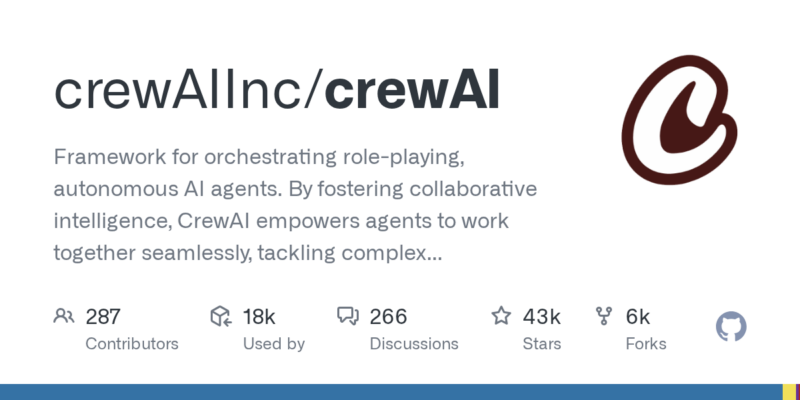
Framework for orchestrating role-playing, autonomous AI agents. By fostering collaborative intelligence, CrewAI empowers agents to work together seamlessly, tackling complex tasks.
项目地址
https://github.com/crewAIInc/crewAI
项目页面预览
关键指标
- Stars:42652
- 主要语言:Python
- License:MIT License
- 最近更新:2026-01-14T12:50:41Z
- 默认分支:main
本站高速下载(国内可用)
- 源码压缩包下载:点击下载(本站镜像)
- SHA256:e5413ee9203be58386d9a22c5b8fed53cd6795c6018493f32212b7ecf7376c35
安装部署要点(README 精选)
Getting Started
Setup and run your first CrewAI agents by following this tutorial.

Learning Resources
Learn CrewAI through our comprehensive courses:
- Multi AI Agent Systems with CrewAI – Master the fundamentals of multi-agent systems
- Practical Multi AI Agents and Advanced Use Cases – Deep dive into advanced implementations
Getting Started with Installation
To get started with CrewAI, follow these simple steps:
1. Installation
Ensure you have Python >=3.10 <3.14 installed on your system. CrewAI uses UV for dependency management and package handling, offering a seamless setup and execution experience.
First, install CrewAI:
uv pip install crewai
If you want to install the ‘crewai’ package along with its optional features that include additional tools for agents, you can do so by using the following command:
uv pip install 'crewai[tools]'
The command above installs the basic package and also adds extra components which require more dependencies to function.
2. Setting Up Your Crew with the YAML Configuration
To create a new CrewAI project, run the following CLI (Command Line Interface) command:
crewai create crew <project_name>
This command creates a new project folder with the following structure:
my_project/
├── .gitignore
├── pyproject.toml
├── README.md
├── .env
└── src/
    └── my_project/
        ├── __init__.py
        ├── main.py
        ├── crew.py
        ├── tools/
        │   ├── custom_tool.py
        │   └── __init__.py
        └── config/
            ├── agents.yaml
            └── tasks.yaml
You can now start developing your crew by editing the files in the src/my_project folder. The main.py file is the entry point of the project, the crew.py file is where you define your crew, the agents.yaml file is where you define your agents, and the tasks.yaml file is where you define your tasks.
常用命令(从 README 提取)
uv pip install crewai

uv pip install 'crewai[tools]'

crewai create crew <project_name>
通用部署说明(适用于大多数项目)
- 下载源码并阅读 README
- 安装依赖(pip/npm/yarn 等)
- 配置环境变量(API Key、模型路径、数据库等)
- 启动服务并测试访问
- 上线建议:Nginx 反代 + HTTPS + 进程守护(systemd / pm2)
免责声明与版权说明
本文仅做开源项目整理与教程索引,源码版权归原作者所有,请遵循对应 License 合规使用。


暂无评论内容