

项目概述
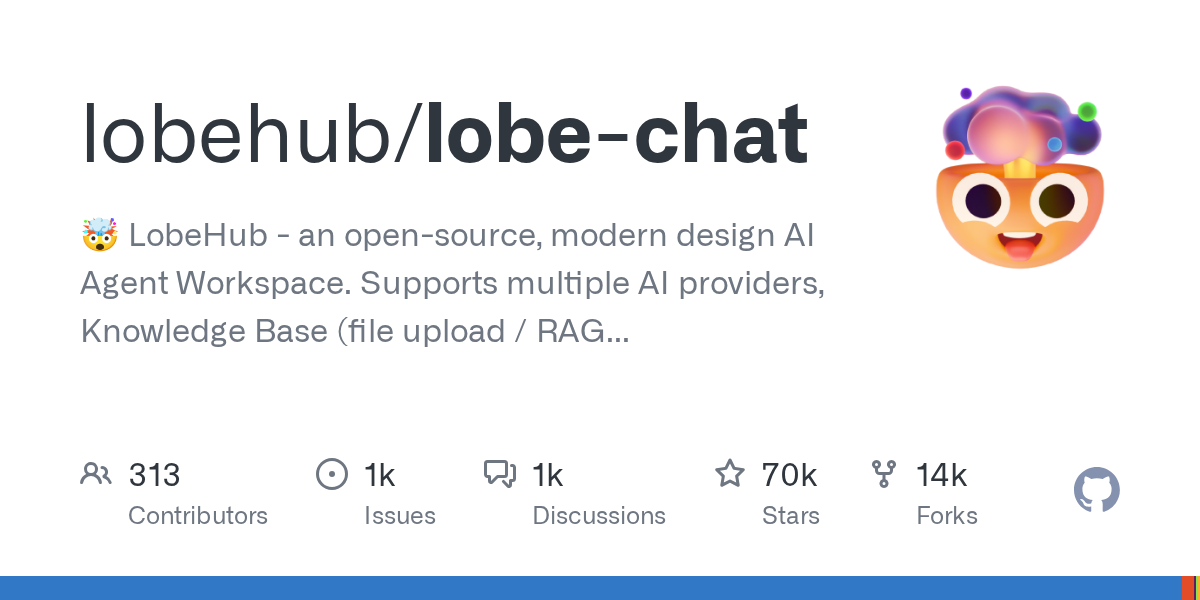
🤯 LobeHub – an open-source, modern design AI Agent Workspace. Supports multiple AI providers, Knowledge Base (file upload / RAG ), one click install MCP Marketplace and Artifacts / Thinking. One-click FREE deployment of your private AI Agent application.
项目地址
https://github.com/lobehub/lobe-chat
项目页面预览
关键指标
- Stars:70110
- 主要语言:TypeScript
- License:Other
- 最近更新:2026-01-14T14:31:27Z
- 默认分支:next
本站高速下载(国内可用)
- 源码压缩包下载:点击下载(本站镜像)
- SHA256:bbf20f97b050a1e35b8a3b3e1e8b7c0bf0c06a9c24f3ce4efefe116fb4405e87
安装部署要点(README 精选)
👋🏻 Getting Started & Join Our Community
We are a group of e/acc design-engineers, hoping to provide modern design components and tools for AIGC.
By adopting the Bootstrapping approach, we aim to provide developers and users with a more open, transparent, and user-friendly product ecosystem.
Whether for users or professional developers, LobeHub will be your AI Agent playground. Please be aware that LobeChat is currently under active development, and feedback is welcome for any [issues][issues-link] encountered.
| [![][vercel-shield-badge]][vercel-link] | No installation or registration necessary! Visit our website to experience it firsthand. |
|---|---|
| [![][discord-shield-badge]][discord-link] | Join our Discord community! This is where you can connect with developers and other enthusiastic users of LobeHub. |
[!IMPORTANT]
Star Us, You will receive all release notifications from GitHub without any delay \~ ⭐️
[![][image-star]][github-stars-link]
Star History
✨ MCP Plugin One-Click Installation
Seamlessly Connect Your AI to the World
Unlock the full potential of your AI by enabling smooth, secure, and dynamic interactions with external tools, data sources, and services. LobeChat’s MCP (Model Context Protocol) plugin system breaks down the barriers between your AI and the digital ecosystem, allowing for unprecedented connectivity and functionality.
Transform your conversations into powerful workflows by connecting to databases, APIs, file systems, and more. Experience the freedom of AI that truly understands and interacts with your world.
![][image-feat-mcp-market]
A Deploying with Vercel, Zeabur , Sealos or Alibaba Cloud
“If you want to deploy this service yourself on Vercel, Zeabur or Alibaba Cloud, you can follow these steps:
- Prepare your OpenAI API Key.
- Click the button below to start deployment: Log in directly with your GitHub account, and remember to fill in the
OPENAI_API_KEY(required) andACCESS_CODE(recommended) on the environment variable section. - After deployment, you can start using it.
- Bind a custom domain (optional): The DNS of the domain assigned by Vercel is polluted in some areas; binding a custom domain can connect directly.
| Deploy with Vercel | Deploy with Zeabur | Deploy with Sealos | Deploy with RepoCloud | Deploy with Alibaba Cloud |
| :————————————-: | :———————————————————: | :———————————————————: | :—————————————————————: | :———————————————————————–: |
| [![][deploy-button-image]][deploy-link] | [![][deploy-on-zeabur-button-image]][deploy-on-zeabur-link] | [![][deploy-on-sealos-button-image]][deploy-on-sealos-link] | [![][deploy-on-repocloud-button-image]][deploy-on-repocloud-link] | [![][deploy-on-alibaba-cloud-button-image]][deploy-on-alibaba-cloud-link] |
B Deploying with Docker
[![][docker-release-shield]][docker-release-link]
[![][docker-size-shield]][docker-size-link]
[![][docker-pulls-shield]][docker-pulls-link]
We provide a Docker image for deploying the LobeChat service on your own private device. Use the following command to start the LobeChat service:
- create a folder to for storage files
$ mkdir lobe-chat-db && cd lobe-chat-db
- init the LobeChat infrastructure
bash <(curl -fsSL https://lobe.li/setup.sh)
- Start the LobeChat service
docker compose up -d
[!NOTE]
For detailed instructions on deploying with Docker, please refer to the [📘 Docker Deployment Guide][docs-docker]
常用命令(从 README 提取)
(未提取到命令块)
通用部署说明(适用于大多数项目)
- 下载源码并阅读 README
- 安装依赖(pip/npm/yarn 等)
- 配置环境变量(API Key、模型路径、数据库等)
- 启动服务并测试访问
- 上线建议:Nginx 反代 + HTTPS + 进程守护(systemd / pm2)
免责声明与版权说明
本文仅做开源项目整理与教程索引,源码版权归原作者所有,请遵循对应 License 合规使用。


暂无评论内容