



项目概述
eumemic/ai-legion 是一个基于大型语言模型的自主智能体平台,旨在为用户提供高效的自动化任务处理和智能决策支持。
项目地址
https://github.com/eumemic/ai-legion
项目页面预览
关键指标
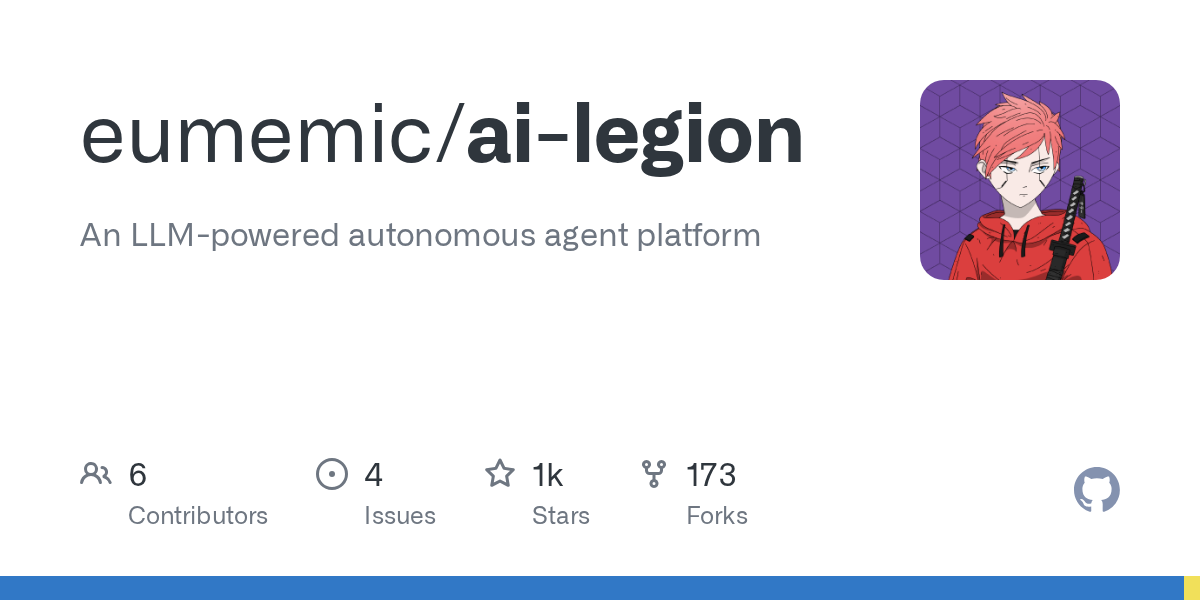
- Stars:1429
- 主要语言:TypeScript
- License:MIT License
- 最近更新:2025-05-27T23:52:06Z
- 默认分支:master
本站高速下载(国内可用)
- 源码压缩包下载:点击下载(本站镜像)
- SHA256:27faecaa7f3982905d8c36d3bdac627b45f831f0b89fed9e5918ab3fd4d35c70
安装部署要点(README 精选)
Setup
You will need at least Node 10.
npm install
Rename the .env.template file at the root of the project to .env and add your secrets to it:
OPENAI_API_KEY=... # obtain from https://platform.openai.com/account/api-keys
# the following are needed for the agent to be able to search the web:
GOOGLE_SEARCH_ENGINE_ID=... # create a custom search engine at https://cse.google.com/cse/all
GOOGLE_API_KEY=... # obtain from https://console.cloud.google.com/apis/credentials
AGENT_DELAY=... # optionally, a delay in milliseconds following every agent action
You’ll also need to enable the Google Custom Search API for your Google Cloud account, e.g. https://console.cloud.google.com/apis/library/customsearch.googleapis.com
Running
Start the program:
npm run start [# of agents] [gpt-3.5-turbo|gpt-4]
Interact with the agents through the console. Anything you type will be sent as a message to all agents currently.
常用命令(从 README 提取)
npm install

OPENAI_API_KEY=... # obtain from https://platform.openai.com/account/api-keys
# the following are needed for the agent to be able to search the web:
GOOGLE_SEARCH_ENGINE_ID=... # create a custom search engine at https://cse.google.com/cse/all
GOOGLE_API_KEY=... # obtain from https://console.cloud.google.com/apis/credentials
AGENT_DELAY=... # optionally, a delay in milliseconds following every agent action

npm run start [# of agents] [gpt-3.5-turbo|gpt-4]
通用部署说明(适用于大多数项目)
- 下载源码并阅读 README
- 安装依赖(pip/npm/yarn 等)
- 配置环境变量(API Key、模型路径、数据库等)
- 启动服务并测试访问
- 上线建议:Nginx 反代 + HTTPS + 进程守护(systemd / pm2)
免责声明与版权说明
本文仅做开源项目整理与教程索引,源码版权归原作者所有,请遵循对应 License 合规使用。
© 版权声明
文章版权归作者所有,未经允许请勿转载。
THE END


暂无评论内容