



项目概述
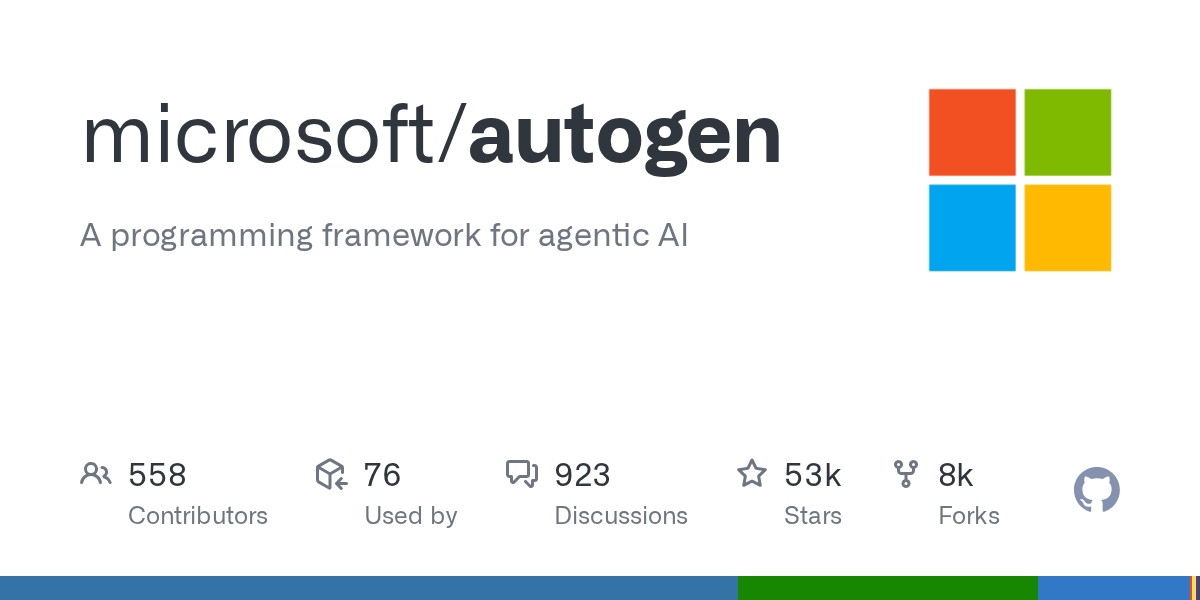
microsoft/autogen 是一个用于构建智能代理的编程框架,旨在为开发者提供高效的工具和生态系统,以支持人工智能应用的开发与实现。
项目地址
https://github.com/microsoft/autogen
项目页面预览
关键指标
- Stars:53458
- 主要语言:Python
- License:Creative Commons Attribution 4.0 International
- 最近更新:2025-10-08T04:58:17Z
- 默认分支:main
本站高速下载(国内可用)
- 源码压缩包下载:点击下载(本站镜像)
- SHA256:2384e5f4ed22a02dbc8534d9ac7e59f2fc0e07e7d6cad68879b6b8fc5ecae763
安装部署要点(README 精选)
Installation
AutoGen requires Python 3.10 or later.
# Install AgentChat and OpenAI client from Extensions
pip install -U "autogen-agentchat" "autogen-ext[openai]"
The current stable version can be found in the releases. If you are upgrading from AutoGen v0.2, please refer to the Migration Guide for detailed instructions on how to update your code and configurations.
# Install AutoGen Studio for no-code GUI
pip install -U "autogenstudio"
Quickstart
The following samples call OpenAI API, so you first need to create an account and export your key as export OPENAI_API_KEY="sk-...".
常用命令(从 README 提取)
# Install AgentChat and OpenAI client from Extensions
pip install -U "autogen-agentchat" "autogen-ext[openai]"

# Install AutoGen Studio for no-code GUI
pip install -U "autogenstudio"

# Run AutoGen Studio on http://localhost:8080
autogenstudio ui --port 8080 --appdir ./my-app
通用部署说明(适用于大多数项目)
- 下载源码并阅读 README
- 安装依赖(pip/npm/yarn 等)
- 配置环境变量(API Key、模型路径、数据库等)
- 启动服务并测试访问
- 上线建议:Nginx 反代 + HTTPS + 进程守护(systemd / pm2)
免责声明与版权说明
本文仅做开源项目整理与教程索引,源码版权归原作者所有,请遵循对应 License 合规使用。
© 版权声明
文章版权归作者所有,未经允许请勿转载。
THE END







暂无评论内容