



项目概述
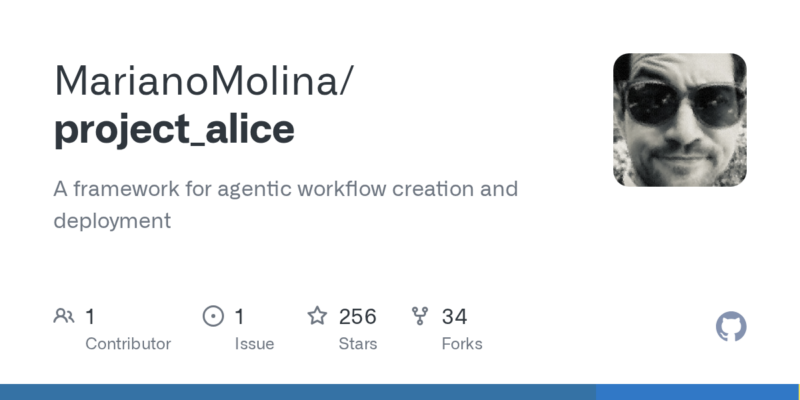
MarianoMolina/project_alice 是一个用于创建和部署智能工作流的框架,旨在提升自动化和智能代理的应用效率。该项目结合了先进的代理框架和大语言模型技术,帮助用户更好地管理复杂任务。
项目地址
https://github.com/MarianoMolina/project_alice
项目页面预览
关键指标
- Stars:256
- 主要语言:Python
- License:BSD 3-Clause “New” or “Revised” License
- 最近更新:2025-01-22T21:20:23Z
- 默认分支:main
本站高速下载(国内可用)
- 源码压缩包下载:点击下载(本站镜像)
- SHA256:c705bcda3d8ebcd239ab29dd4c82010dd57c565bae6f9d1a2c8a81927381dd66
安装部署要点(README 精选)
Setup and Installation
Installation and platform overview videos: Part 1 – Part 2
You can check out the platform here too: Link
-
Ensure you have Git and Docker installed on your system. On Windows, once you do, it comes with the docker-compose plugin installed by default, but check if you have it installed. Otherwise (if in Linux for example), install it. If for whatever reason the starting script doesn’t start Docker (can’t find it), all you need to do is open your Docker app.
-
(Optional) Install LM Studio if you plan to use local models. If you don’t, you’ll see some errors regarding this, but don’t worry, everything else will work normally. NOTE: There’s a protocol issues with some versions of LM Studio, recommend using -> 0.3.5 (build 9-H)
-
Download the repository:
git clone https://github.com/MarianoMolina/project_alice.git -
Create an
.envfile in the root directory using thetemplate.envfile as a reference. Complete the data for any APIs you want to use (e.g., OpenAI API key). Even if you don’t update anything, if you don’t create it / copy it, the build process will fail. -
Run the appropriate script for your operating system:
- Windows: Run
run.bat - Linux/Mac: Run
run.sh
Alternatively you can just execute run.py using python run.py/python3 run.py in a commandline while in the repository folder
This will build and launch the containers. Once ready, the frontend will be accessible at http://localhost:4000/.
If you see an error during the installation related to
403 connecting to archive.ubuntu.comorETIMEDOUT, just run it again. Sometimes Docker has an issue installing an image due to connection errors.NOTE: If you want to update, run
python update.py
5. Flexible Model Deployment
- Deploy local models using LM Studio
- Use any OpenAI-compatible endpoints (Groq, Mistral & Llama) or Anthropic, Gemini, and Cohere models to power your agents and workflows
常用命令(从 README 提取)
git clone https://github.com/MarianoMolina/project_alice.git
通用部署说明(适用于大多数项目)
- 下载源码并阅读 README
- 安装依赖(pip/npm/yarn 等)
- 配置环境变量(API Key、模型路径、数据库等)
- 启动服务并测试访问
- 上线建议:Nginx 反代 + HTTPS + 进程守护(systemd / pm2)
免责声明与版权说明
本文仅做开源项目整理与教程索引,源码版权归原作者所有,请遵循对应 License 合规使用。







暂无评论内容