

项目概述
User-friendly AI Interface (Supports Ollama, OpenAI API, …)
项目地址
https://github.com/open-webui/open-webui
项目页面预览
关键指标
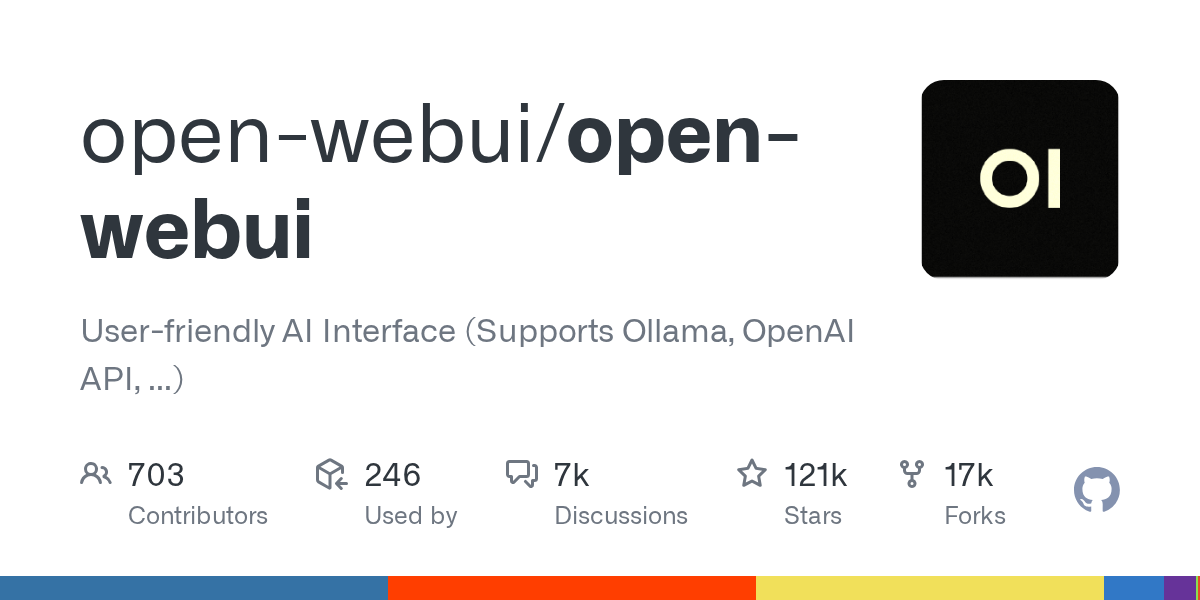
- Stars:120638
- 主要语言:Python
- License:Other
- 最近更新:2026-01-12T17:56:03Z
- 默认分支:main
本站高速下载(国内可用)
- 源码压缩包下载:点击下载(本站镜像)
- SHA256:51ebb7b23f8d179e433f47cc90977ece7492e37eb0c1b744a67f75bc01d47b68
安装部署要点(README 精选)
How to Install 🚀
Installation via Python pip 🐍
Open WebUI can be installed using pip, the Python package installer. Before proceeding, ensure you’re using Python 3.11 to avoid compatibility issues.
- Install Open WebUI:
Open your terminal and run the following command to install Open WebUI:
bash

   pip install open-webui
- Running Open WebUI:
After installation, you can start Open WebUI by executing:
bash

   open-webui serve
This will start the Open WebUI server, which you can access at http://localhost:8080
Quick Start with Docker 🐳
[!NOTE]
Please note that for certain Docker environments, additional configurations might be needed. If you encounter any connection issues, our detailed guide on Open WebUI Documentation is ready to assist you.[!WARNING]
When using Docker to install Open WebUI, make sure to include the-v open-webui:/app/backend/datain your Docker command. This step is crucial as it ensures your database is properly mounted and prevents any loss of data.[!TIP]
If you wish to utilize Open WebUI with Ollama included or CUDA acceleration, we recommend utilizing our official images tagged with either:cudaor:ollama. To enable CUDA, you must install the Nvidia CUDA container toolkit on your Linux/WSL system.
Installation with Default Configuration
- If Ollama is on your computer, use this command:
bash

  docker run -d -p 3000:8080 --add-host=host.docker.internal:host-gateway -v open-webui:/app/backend/data --name open-webui --restart always ghcr.io/open-webui/open-webui:main
- If Ollama is on a Different Server, use this command:
To connect to Ollama on another server, change the OLLAMA_BASE_URL to the server’s URL:
bash

  docker run -d -p 3000:8080 -e OLLAMA_BASE_URL=https://example.com -v open-webui:/app/backend/data --name open-webui --restart always ghcr.io/open-webui/open-webui:main
- To run Open WebUI with Nvidia GPU support, use this command:
bash

  docker run -d -p 3000:8080 --gpus all --add-host=host.docker.internal:host-gateway -v open-webui:/app/backend/data --name open-webui --restart always ghcr.io/open-webui/open-webui:cuda
常用命令(从 README 提取)
pip install open-webui

open-webui serve

docker run -d -p 3000:8080 --add-host=host.docker.internal:host-gateway -v open-webui:/app/backend/data --name open-webui --restart always ghcr.io/open-webui/open-webui:main
通用部署说明(适用于大多数项目)
- 下载源码并阅读 README
- 安装依赖(pip/npm/yarn 等)
- 配置环境变量(API Key、模型路径、数据库等)
- 启动服务并测试访问
- 上线建议:Nginx 反代 + HTTPS + 进程守护(systemd / pm2)
免责声明与版权说明
本文仅做开源项目整理与教程索引,源码版权归原作者所有,请遵循对应 License 合规使用。






暂无评论内容