



项目概述
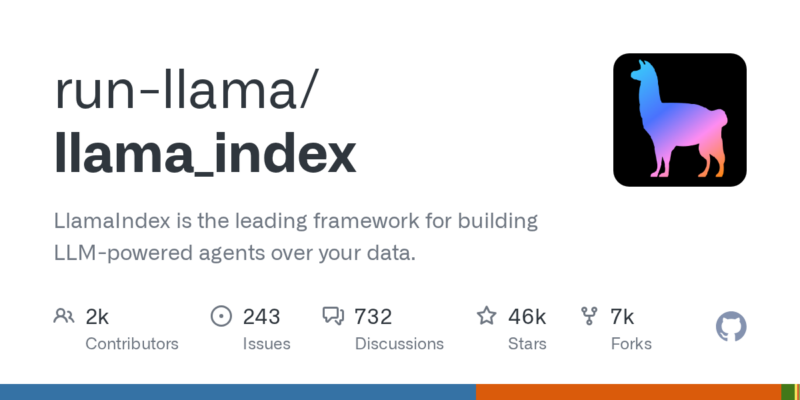
LlamaIndex 是一个领先的框架,旨在帮助用户基于大语言模型(LLM)构建智能代理,能够高效处理和应用数据。通过该框架,用户可以实现多代理协作和数据的精细调优。
项目地址
https://github.com/run-llama/llama_index
项目页面预览
关键指标
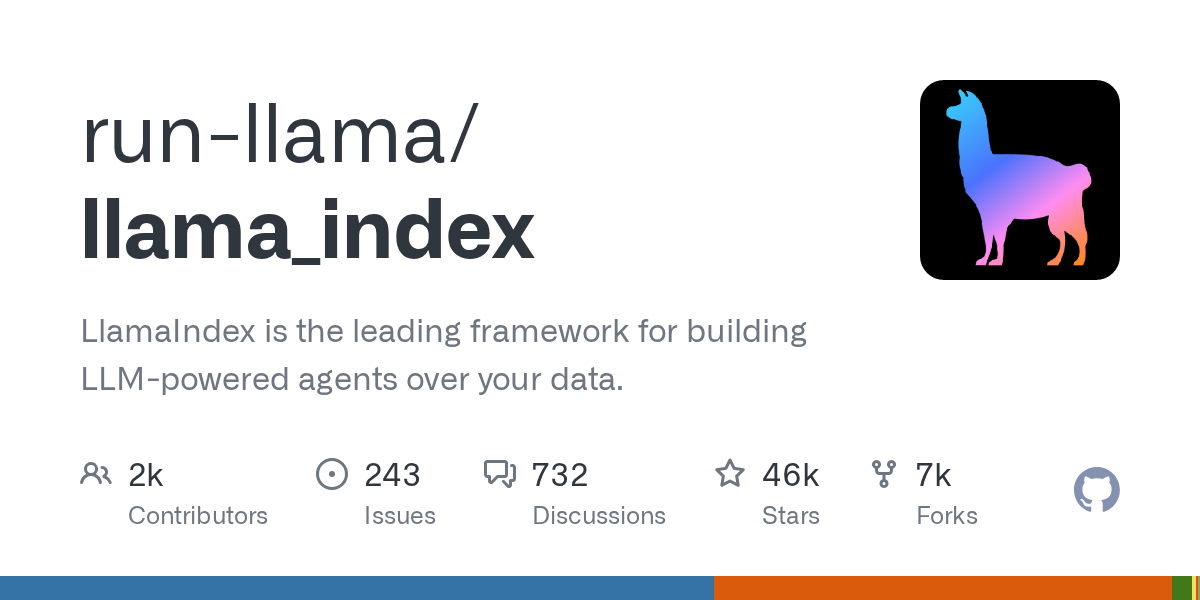
- Stars:46318
- 主要语言:Python
- License:MIT License
- 最近更新:2026-01-13T20:02:22Z
- 默认分支:main
本站高速下载(国内可用)
- 源码压缩包下载:点击下载(本站镜像)
- SHA256:70a3eb34954e1ab8f727f8ca72b7feed9fb4947fb83c36a98bf0be843922327e
安装部署要点(README 精选)
💻 Example Usage
# custom selection of integrations to work with core
pip install llama-index-core
pip install llama-index-llms-openai
pip install llama-index-llms-replicate
pip install llama-index-embeddings-huggingface
Examples are in the docs/examples folder. Indices are in the indices folder (see list of indices below).
To build a simple vector store index using OpenAI:
import os

os.environ["OPENAI_API_KEY"] = "YOUR_OPENAI_API_KEY"

from llama_index.core import VectorStoreIndex, SimpleDirectoryReader

documents = SimpleDirectoryReader("YOUR_DATA_DIRECTORY").load_data()
index = VectorStoreIndex.from_documents(documents)
To build a simple vector store index using non-OpenAI LLMs, e.g. Llama 2 hosted on Replicate, where you can easily create a free trial API token:
import os

os.environ["REPLICATE_API_TOKEN"] = "YOUR_REPLICATE_API_TOKEN"

from llama_index.core import Settings, VectorStoreIndex, SimpleDirectoryReader
from llama_index.embeddings.huggingface import HuggingFaceEmbedding
from llama_index.llms.replicate import Replicate
from transformers import AutoTokenizer

# set the LLM
llama2_7b_chat = "meta/llama-2-7b-chat:8e6975e5ed6174911a6ff3d60540dfd4844201974602551e10e9e87ab143d81e"
Settings.llm = Replicate(
    model=llama2_7b_chat,
    temperature=0.01,
    additional_kwargs={"top_p": 1, "max_new_tokens": 300},
)

# set tokenizer to match LLM
Settings.tokenizer = AutoTokenizer.from_pretrained(
    "NousResearch/Llama-2-7b-chat-hf"
)

# set the embed model
Settings.embed_model = HuggingFaceEmbedding(
    model_name="BAAI/bge-small-en-v1.5"
)

documents = SimpleDirectoryReader("YOUR_DATA_DIRECTORY").load_data()
index = VectorStoreIndex.from_documents(
    documents,
)
To query:
query_engine = index.as_query_engine()
query_engine.query("YOUR_QUESTION")
By default, data is stored in-memory.
To persist to disk (under ./storage):
index.storage_context.persist()
To reload from disk:
from llama_index.core import StorageContext, load_index_from_storage

# rebuild storage context
storage_context = StorageContext.from_defaults(persist_dir="./storage")
# load index
index = load_index_from_storage(storage_context)
常用命令(从 README 提取)
# custom selection of integrations to work with core
pip install llama-index-core
pip install llama-index-llms-openai
pip install llama-index-llms-replicate
pip install llama-index-embeddings-huggingface

cd <desired-package-folder>
pip install poetry
poetry install --with dev

#!/bin/bash
STATIC_DIR="venv/lib/python3.13/site-packages/llama_index/core/_static"
REPO="run-llama/llama_index"

find "$STATIC_DIR" -type f | while read -r file; do
    echo "Verifying: $file"
    gh attestation verify "$file" -R "$REPO" || echo "Failed to verify: $file"
done
通用部署说明(适用于大多数项目)
- 下载源码并阅读 README
- 安装依赖(pip/npm/yarn 等)
- 配置环境变量(API Key、模型路径、数据库等)
- 启动服务并测试访问
- 上线建议:Nginx 反代 + HTTPS + 进程守护(systemd / pm2)
免责声明与版权说明
本文仅做开源项目整理与教程索引,源码版权归原作者所有,请遵循对应 License 合规使用。
© 版权声明
文章版权归作者所有,未经允许请勿转载。
THE END







暂无评论内容