



项目概述
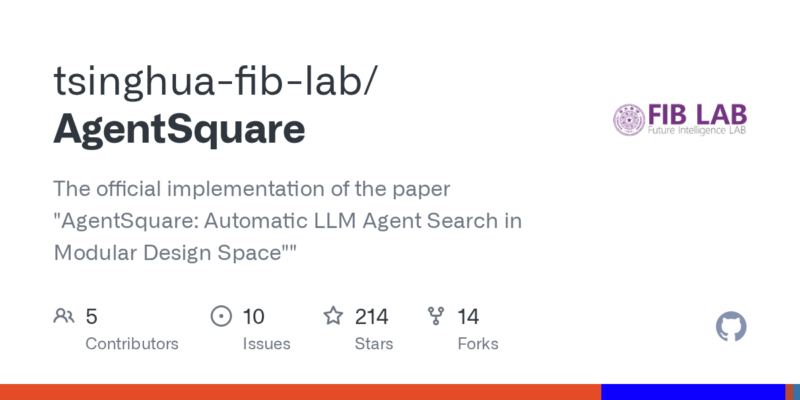
AgentSquare是一个自动化的LLM代理搜索工具,旨在优化模块化设计空间中的代理选择,提升设计效率和效果。
项目地址
https://github.com/tsinghua-fib-lab/AgentSquare
项目页面预览
关键指标
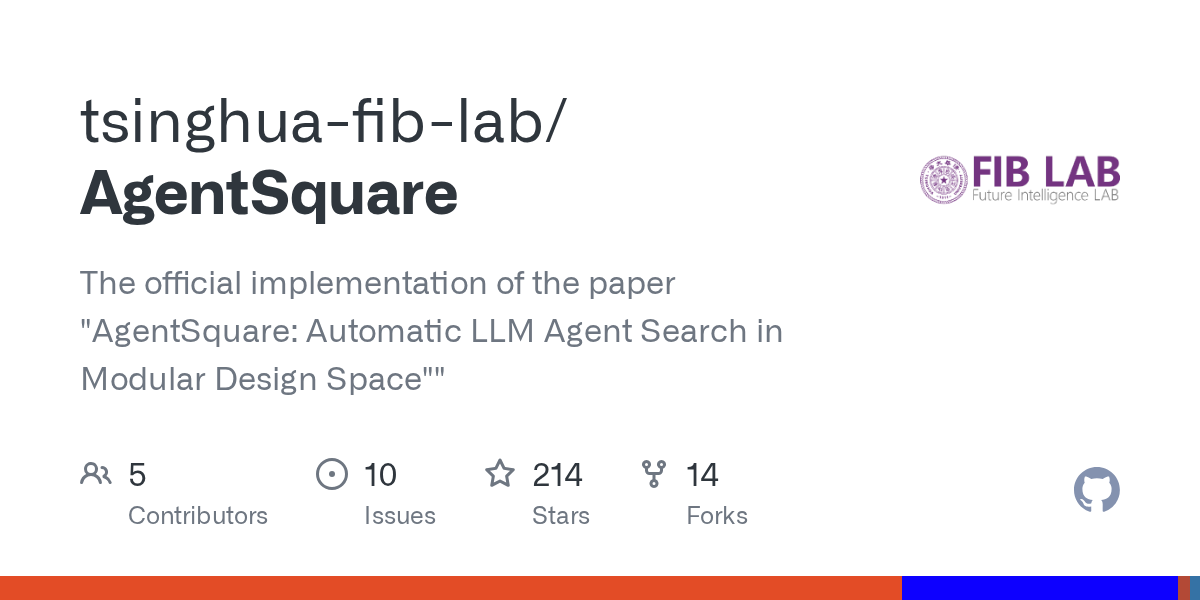
- Stars:214
- 主要语言:HTML
- License:未声明
- 最近更新:2025-11-04T15:15:05Z
- 默认分支:main
本站高速下载(国内可用)
- 源码压缩包下载:点击下载(本站镜像)
- SHA256:514ac538d93c46fde9d13442a5c9fa195687e0a79c64eff0401416ee5a2c8421
安装部署要点(README 精选)
🌎 Setup
- Set up OpenAI API key and store in environment.
export OPENAI_API_KEY=<YOUR KEY HERE>
- Install dependencies
git clone https://github.com/tsinghua-fib-lab/AgentSquare.git
conda create -n agentsquare python=3.9.12
conda activate agentsquare
cd AgentSquare
pip install -r requirements.txt
🔎 Run Other Tasks
Install dependencies
cd tasks
pip install -r requirements.txt
Webshop
Install `webshop` environment following instructions [here](https://github.com/princeton-nlp/WebShop) and launch the `WebShop` webpage.
cd tasks/webshop
sh run.sh
M3Tooleval
cd tasks/m3tooleval
sh run.sh
Sciworld
Install `Sciworld` environment following instructions [here](https://github.com/hkust-nlp/AgentBoard) .
cd tasks/sciworld/agentboard
python3 eval_main_sci.py \
    --cfg-path ../eval_configs/main_results_all_tasks.yaml     --tasks scienceworld     --wandb     --log_path ../results/gpt-4o-2024-08-06    --project_name evaluate-gpt-4o-2024-08-06     --baseline_dir ../data/baseline_results \
    --model gpt-4o-2024-08-06 \
    --planning none \
    --reasoning cot \
    --tooluse none \
    --memory none \
常用命令(从 README 提取)
export OPENAI_API_KEY=<YOUR KEY HERE>

git clone https://github.com/tsinghua-fib-lab/AgentSquare.git
conda create -n agentsquare python=3.9.12
conda activate agentsquare
cd AgentSquare
pip install -r requirements.txt

export ALFWORLD_DATA=<Your path>/AgentSquare/tasks/alfworld
cd tasks/alfworld
sh run.sh or
python3 alfworld_run.py \
    --planning deps\
    --reasoning cot\
    --tooluse none\
    --memory dilu\
    --model gpt-3.5-turbo-0125 \
通用部署说明(适用于大多数项目)
- 下载源码并阅读 README
- 安装依赖(pip/npm/yarn 等)
- 配置环境变量(API Key、模型路径、数据库等)
- 启动服务并测试访问
- 上线建议:Nginx 反代 + HTTPS + 进程守护(systemd / pm2)
免责声明与版权说明
本文仅做开源项目整理与教程索引,源码版权归原作者所有,请遵循对应 License 合规使用。
© 版权声明
文章版权归作者所有,未经允许请勿转载。
THE END


暂无评论内容