



项目概述
Typer 是一个用于快速构建命令行界面的工具,基于 Python 的类型提示,简化了开发过程,使得编写高效的 CLI 应用变得更加容易。
项目地址
https://github.com/fastapi/typer
项目页面预览
关键指标
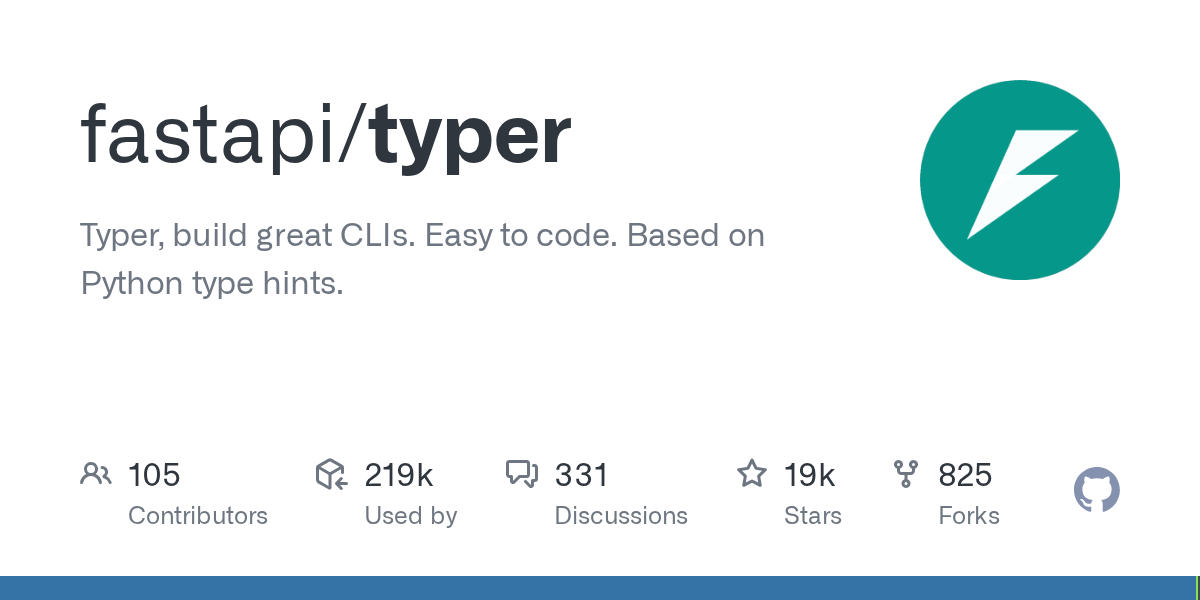
- Stars:18628
- 主要语言:Python
- License:MIT License
- 最近更新:2026-01-13T09:16:16Z
- 默认分支:master
本站高速下载(国内可用)
点击下载(本站镜像)
– SHA256:0f994c76dcb9dd055d3f9a9d2877ce18c3d84df06b1d1b02599e0ed736a6e80a
安装部署要点(README 精选)
Installation
Create and activate a virtual environment and then install Typer:
$ pip install typer
---> 100%
Successfully installed typer rich shellingham
Run it
Run your application with the typer command:
// Run your application
$ typer main.py run

// You get a nice error, you are missing NAME
Usage: typer [PATH_OR_MODULE] run [OPTIONS] NAME
Try 'typer [PATH_OR_MODULE] run --help' for help.
╭─ Error ───────────────────────────────────────────╮
│ Missing argument 'NAME'.                          │
╰───────────────────────────────────────────────────╯


// You get a --help for free
$ typer main.py run --help

Usage: typer [PATH_OR_MODULE] run [OPTIONS] NAME

Run the provided Typer app.

╭─ Arguments ───────────────────────────────────────╮
│ *    name      TEXT  [default: None] [required]   |
╰───────────────────────────────────────────────────╯
╭─ Options ─────────────────────────────────────────╮
│ --help          Show this message and exit.       │
╰───────────────────────────────────────────────────╯

// Now pass the NAME argument
$ typer main.py run Camila

Hello Camila

// It works! 🎉
This is the simplest use case, not even using Typer internally, but it can already be quite useful for simple scripts.
Note: auto-completion works when you create a Python package and run it with --install-completion or when you use the typer command.
Run the upgraded example
Check the new help:
$ python main.py --help

 Usage: main.py [OPTIONS] COMMAND [ARGS]...

╭─ Options ─────────────────────────────────────────╮
│ --install-completion          Install completion  │
│                               for the current     │
│                               shell.              │
│ --show-completion             Show completion for │
│                               the current shell,  │
│                               to copy it or       │
│                               customize the       │
│                               installation.       │
│ --help                        Show this message   │
│                               and exit.           │
╰───────────────────────────────────────────────────╯
╭─ Commands ────────────────────────────────────────╮
│ goodbye                                           │
│ hello                                             │
╰───────────────────────────────────────────────────╯

// When you create a package you get ✨ auto-completion ✨ for free, installed with --install-completion

// You have 2 subcommands (the 2 functions): goodbye and hello
Now check the help for the hello command:
$ python main.py hello --help

 Usage: main.py hello [OPTIONS] NAME

╭─ Arguments ───────────────────────────────────────╮
│ *    name      TEXT  [default: None] [required]   │
╰───────────────────────────────────────────────────╯
╭─ Options ─────────────────────────────────────────╮
│ --help          Show this message and exit.       │
╰───────────────────────────────────────────────────╯
And now check the help for the goodbye command:
$ python main.py goodbye --help

 Usage: main.py goodbye [OPTIONS] NAME

╭─ Arguments ───────────────────────────────────────╮
│ *    name      TEXT  [default: None] [required]   │
╰───────────────────────────────────────────────────╯
╭─ Options ─────────────────────────────────────────╮
│ --formal    --no-formal      [default: no-formal] │
│ --help                       Show this message    │
│                              and exit.            │
╰───────────────────────────────────────────────────╯

// Automatic --formal and --no-formal for the bool option 🎉
Now you can try out the new command line application:
// Use it with the hello command

$ python main.py hello Camila

Hello Camila

// And with the goodbye command

$ python main.py goodbye Camila

Bye Camila!

// And with --formal

$ python main.py goodbye --formal Camila

Goodbye Ms. Camila. Have a good day.
Note: If your app only has one command, by default the command name is omitted in usage: python main.py Camila. However, when there are multiple commands, you must explicitly include the command name: python main.py hello Camila. See One or Multiple Commands for more details.
常用命令(从 README 提取)
pip install typer

pip install "typer-slim[standard]"
通用部署说明
- 下载源码并阅读 README
- 安装依赖(pip/npm/yarn 等)
- 配置环境变量(API Key、模型路径、数据库等)
- 启动服务并测试访问
- 上线建议:Nginx 反代 + HTTPS + 进程守护(systemd / pm2)
免责声明与版权说明
本文仅做开源项目整理与教程索引,源码版权归原作者所有,请遵循对应 License 合规使用。







暂无评论内容