



项目概述
psf/black 是一款严格的 Python 代码格式化工具,旨在自动化代码风格的统一,提升代码可读性和维护性。通过使用该工具,开发者可以轻松遵循最佳编码实践。
项目地址
https://github.com/psf/black
项目页面预览
关键指标
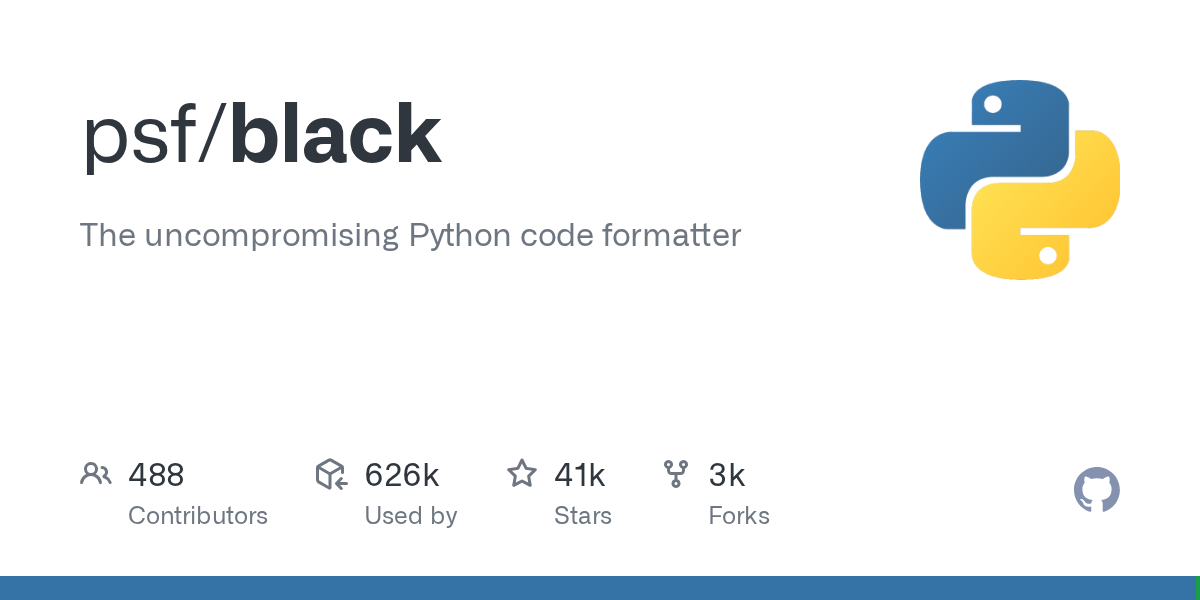
- Stars:41299
- 主要语言:Python
- License:MIT License
- 最近更新:2026-01-10T16:15:43Z
- 默认分支:main
本站高速下载(国内可用)
点击下载(本站镜像)
– SHA256:b3e682e272bdacbd44a3198fd62f4ea2d91cc97a4ddd7ca37d82d1253946ff1e
安装部署要点(README 精选)
Installation and usage
Installation
Black can be installed by running pip install black. It requires Python 3.10+ to
run. If you want to format Jupyter Notebooks, install with
pip install "black[jupyter]".
Usage
To get started right away with sensible defaults:
black {source_file_or_directory}
You can run Black as a package if running it as a script doesn’t work:
python -m black {source_file_or_directory}
Further information can be found in our docs:
Black is already successfully used by many
projects, small and big. Black has a comprehensive test suite, with efficient parallel
tests, and our own auto formatting and parallel Continuous Integration runner. Now that
we have become stable, you should not expect large formatting changes in the future.
Stylistic changes will mostly be responses to bug reports and support for new Python
syntax. For more information please refer to
The Black Code Style.
Also, as a safety measure which slows down processing, Black will check that the
reformatted code still produces a valid AST that is effectively equivalent to the
original (see the
Pragmatism
section for details). If you’re feeling confident, use --fast.
Configuration
Black is able to read project-specific default values for its command line options
from a pyproject.toml file. This is especially useful for specifying custom
--include and --exclude/--force-exclude/--extend-exclude patterns for your
project.
You can find more details in our documentation:
And if you’re looking for more general configuration documentation:
Pro-tip: If you’re asking yourself “Do I need to configure anything?” the answer is
“No”. Black is all about sensible defaults. Applying those defaults will have your
code in compliance with many other Black formatted projects.
常用命令(从 README 提取)
black {source_file_or_directory}

python -m black {source_file_or_directory}
通用部署说明
- 下载源码并阅读 README
- 安装依赖(pip/npm/yarn 等)
- 配置环境变量(API Key、模型路径、数据库等)
- 启动服务并测试访问
- 上线建议:Nginx 反代 + HTTPS + 进程守护(systemd / pm2)
免责声明与版权说明
本文仅做开源项目整理与教程索引,源码版权归原作者所有,请遵循对应 License 合规使用。







暂无评论内容