



项目概述
reflex 是一个开源框架,允许开发者使用纯 Python 创建网页应用程序,简化了图形用户界面的开发过程。
项目地址
https://github.com/reflex-dev/reflex
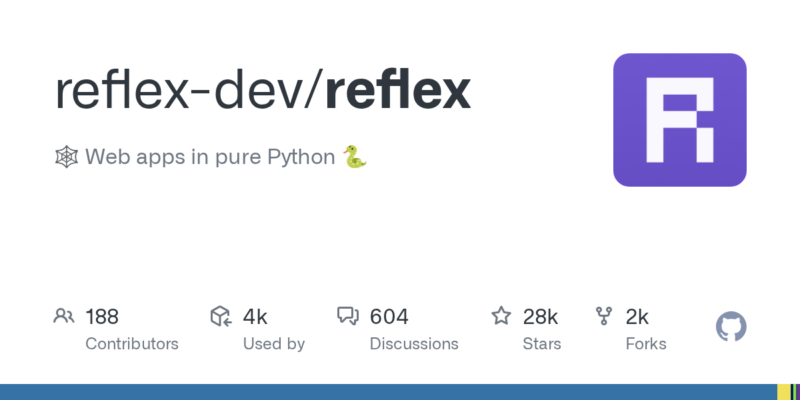
项目页面预览
关键指标
- Stars:27939
- 主要语言:Python
- License:Apache License 2.0
- 最近更新:2026-01-15T01:07:44Z
- 默认分支:main
本站高速下载(国内可用)
点击下载(本站镜像)
– SHA256:9233ff549013124403905b47045dfe3165b071874c85abcd0715801dd859a1ef
安装部署要点(README 精选)
✨ Performant, customizable web apps in pure Python. Deploy in seconds. ✨






English | 简体中文 | 繁體中文 | Türkçe | हिंदी | Português (Brasil) | Italiano | Español | 한국어 | 日本語 | Deutsch | Persian (پارسی) | Tiếng Việt
[!NOTE]
🚀 Try Reflex Build – our AI-powered app builder that generates full-stack Reflex applications in seconds.
Introduction
Reflex is a library to build full-stack web apps in pure Python.
Key features:
- Pure Python – Write your app’s frontend and backend all in Python, no need to learn Javascript.
- Full Flexibility – Reflex is easy to get started with, but can also scale to complex apps.
- Deploy Instantly – After building, deploy your app with a single command or host it on your own server.
See our architecture page to learn how Reflex works under the hood.
⚙️ Installation
Important: We strongly recommend using a virtual environment to ensure the reflex command is available in your PATH.
3. Install Reflex
Reflex is available as a pip package (Requires Python 3.10+):
pip install reflex
5. Run the app
You can run this app in development mode:
reflex run
You should see your app running at http://localhost:3000.
Now you can modify the source code in my_app_name/my_app_name.py. Reflex has fast refreshes so you can see your changes instantly when you save your code.
常用命令(从 README 提取)
mkdir my_app_name
cd my_app_name

# On Windows:
python -m venv .venv
.venv\Scripts\activate

# On macOS/Linux:
python3 -m venv .venv
source .venv/bin/activate

pip install reflex
通用部署说明
- 下载源码并阅读 README
- 安装依赖(pip/npm/yarn 等)
- 配置环境变量(API Key、模型路径、数据库等)
- 启动服务并测试访问
- 上线建议:Nginx 反代 + HTTPS + 进程守护(systemd / pm2)
免责声明与版权说明
本文仅做开源项目整理与教程索引,源码版权归原作者所有,请遵循对应 License 合规使用。







暂无评论内容