



项目概述
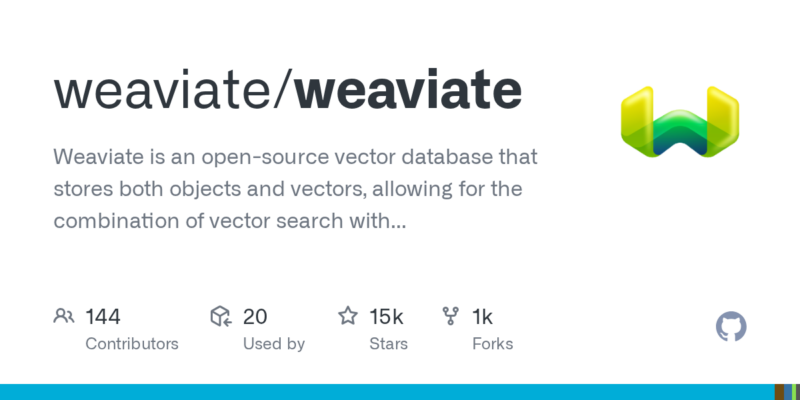
Weaviate 是一个开源的向量数据库,能够存储对象和向量,支持将向量搜索与结构化过滤相结合,具备云原生数据库的容错性和可扩展性,适用于信息检索和推荐系统等场景。
项目地址
https://github.com/weaviate/weaviate
项目页面预览
关键指标
- Stars:15407
- 主要语言:Go
- License:BSD 3-Clause “New” or “Revised” License
- 最近更新:2026-01-15T18:05:13Z
- 默认分支:main
本站高速下载(国内可用)
点击下载(本站镜像)
– SHA256:1ae5c60c92ac04240a5542377567ba519a921f565c647b385889af7382d73268
安装部署要点(README 精选)
Installation
Weaviate offers multiple installation and deployment options:
See the installation docs for more deployment options, such as AWS and GCP.
Getting started
You can easily start Weaviate and a local vector embedding model with Docker.
Create a docker-compose.yml file:
services:
  weaviate:
    image: cr.weaviate.io/semitechnologies/weaviate:1.32.2
    ports:
      - "8080:8080"
      - "50051:50051"
    environment:
      ENABLE_MODULES: text2vec-model2vec
      MODEL2VEC_INFERENCE_API: http://text2vec-model2vec:8080

  # A lightweight embedding model that will generate vectors from objects during import
  text2vec-model2vec:
    image: cr.weaviate.io/semitechnologies/model2vec-inference:minishlab-potion-base-32M
Start Weaviate and the embedding service with:
docker compose up -d
Install the Python client (or use another client library):
pip install -U weaviate-client
The following Python example shows how easy it is to populate a Weaviate database with data, create vector embeddings and perform semantic search:
import weaviate
from weaviate.classes.config import Configure, DataType, Property

# Connect to Weaviate
client = weaviate.connect_to_local()

# Create a collection
client.collections.create(
    name="Article",
    properties=[Property(name="content", data_type=DataType.TEXT)],
    vector_config=Configure.Vectors.text2vec_model2vec(),  # Use a vectorizer to generate embeddings during import
    # vector_config=Configure.Vectors.self_provided()  # If you want to import your own pre-generated embeddings
)

# Insert objects and generate embeddings
articles = client.collections.get("Article")
articles.data.insert_many(
    [
        {"content": "Vector databases enable semantic search"},
        {"content": "Machine learning models generate embeddings"},
        {"content": "Weaviate supports hybrid search capabilities"},
    ]
)

# Perform semantic search
results = articles.query.near_text(query="Search objects by meaning", limit=1)
print(results.objects[0])

client.close()
This example uses the Model2Vec vectorizer, but you can choose any other embedding model provider or bring your own pre-generated vectors.
常用命令(从 README 提取)
docker compose up -d

pip install -U weaviate-client
通用部署说明
- 下载源码并阅读 README
- 安装依赖(pip/npm/yarn 等)
- 配置环境变量(API Key、模型路径、数据库等)
- 启动服务并测试访问
- 上线建议:Nginx 反代 + HTTPS + 进程守护(systemd / pm2)
免责声明与版权说明
本文仅做开源项目整理与教程索引,源码版权归原作者所有,请遵循对应 License 合规使用。



暂无评论内容