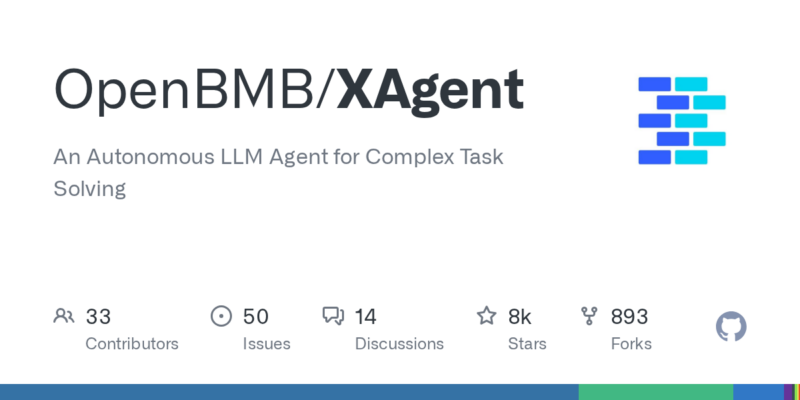




项目概述
OpenBMB/XAgent 是一个自主的语言模型代理,旨在解决复杂任务,能够高效地处理多种挑战,提升工作效率。
项目地址
https://github.com/OpenBMB/XAgent
项目页面预览
关键指标
- Stars:8484
- 主要语言:Python
- License:Apache License 2.0
- 最近更新:2024-08-12T06:41:38Z
- 默认分支:main
本站高速下载(国内可用)
- 源码压缩包下载:点击下载(本站镜像)
- SHA256:f4c0d0b6db141fbfdfd5e6702b56d68db2147fee7075b27fb7084696803b8b21
安装部署要点(README 精选)
✨ Quickstart
🛠️ Build and Setup ToolServer
ToolServer is where XAgent’s action takes place. It is a docker container that provides a safe environment for XAgent to run.
So you should install docker and docker-compose first.
Then, you need to build the ToolServer image. Construct referring to any one of the following methods:
Pull the image from docker hub by running the following command:
docker compose up
Build an image from local sources by running the following command:
docker compose build
docker compose up
This will build the image for the ToolServer and start the ToolServer’s container.
If you want to run the container in the background, please use docker compose up -d.
Refer here for detailed information about our ToolServer.
If the ToolServer is updated, you have to repull/rebuild the images:
docker compose pull
Or
docker compose build
常用命令(从 README 提取)
docker compose up

docker compose build
docker compose up

docker compose pull
通用部署说明(适用于大多数项目)
- 下载源码并阅读 README
- 安装依赖(pip/npm/yarn 等)
- 配置环境变量(API Key、模型路径、数据库等)
- 启动服务并测试访问
- 上线建议:Nginx 反代 + HTTPS + 进程守护(systemd / pm2)
免责声明与版权说明
本文仅做开源项目整理与教程索引,源码版权归原作者所有,请遵循对应 License 合规使用。
© 版权声明
文章版权归作者所有,未经允许请勿转载。
THE END







暂无评论内容